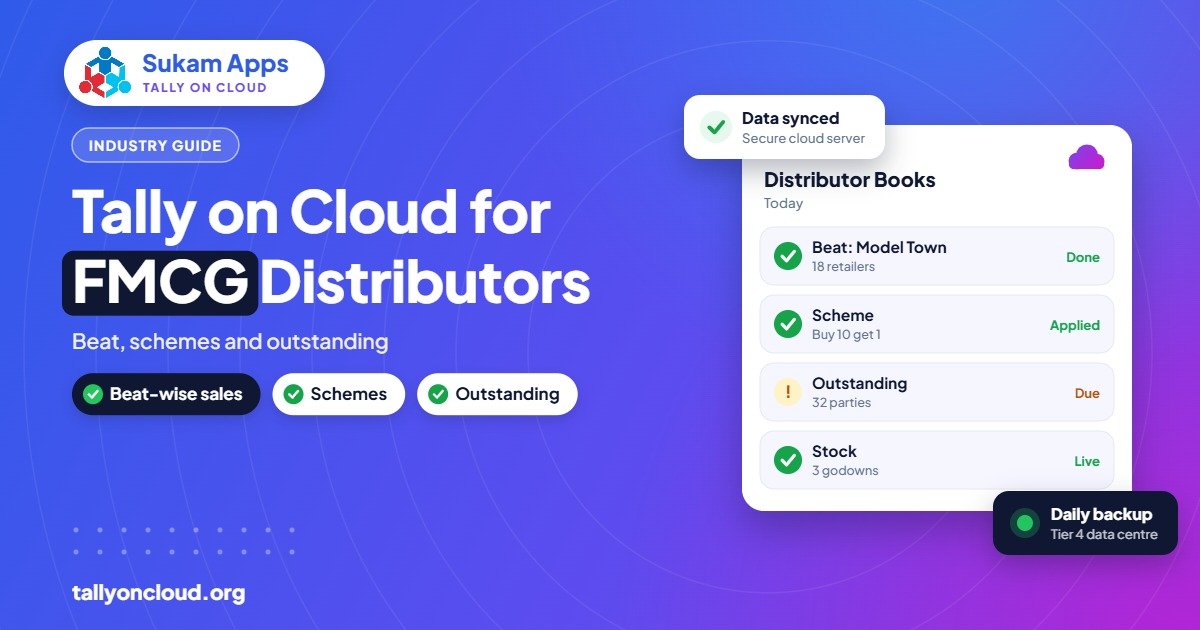
Tally for FMCG distributors works when the setup mirrors how you actually sell: retailers grouped by beat, company schemes tracked so you can claim them back, salesmen who can check stock and dues on the road, and outstanding reviewed beat-wise every week. TallyPrime does all of this, and on the cloud your godown, billing desk, salesmen and owner see the same live data. This guide walks through the setup we use for distributors.
It is written for distributors and super stockists of biscuits, soaps, detergents, beverages, snacks, personal care and edible oil, from a single-company distributor in Hoshiarpur to a multi-company house in Ludhiana serving 800 retailers.
The FMCG distributor’s three daily problems
Ask any distributor what keeps them up at night and the answer is usually some mix of these:
- Money stuck in the market. Hundreds of small retailers, each owing a few thousand, and nobody quite sure who is overdue.
- Scheme claims not recovered. The company announced a scheme, you passed it to retailers, but the claim to the company is incomplete or late, so the margin disappears.
- Stock mismatch. Free goods, damaged goods, returns from retailers and short supplies make godown stock differ from book stock.
Each one has a fix in TallyPrime.
Setting up beats and retailers
A beat is a route your salesman covers on a given day. Organising retailers by beat makes billing, delivery and collection far easier.
- Create a group for each beat under Sundry Debtors, such as “Beat – Model Town Mon”, “Beat – Basti Sheikh Tue”. Each retailer ledger goes under its beat group.
- Fill retailer details properly: GSTIN where registered, phone number, and credit period or credit limit where you use them.
- Enable bill-wise details for every retailer so outstanding is tracked invoice by invoice, not as one running balance.
- Use cost centres or a separate group for salesmen if you want sales reports by salesman as well as by beat.
With this structure, a Group Outstanding report for one beat gives the salesman his collection list for the day: every retailer on that route, every unpaid bill and how old it is.
Handling company schemes and discounts
FMCG schemes come in many forms: free quantity (buy 12 get 1), percentage discount, flat rupee discount per case, slab discounts, display incentives and so on. The goal in Tally is two-fold: bill retailers correctly, and track what the company owes you back.
Free quantity schemes
Use the actual and billed quantity option in TallyPrime. Actual quantity is what leaves the godown (13 packs), billed quantity is what the retailer pays for (12). Stock stays accurate without fake zero-value lines.
Discount schemes
TallyPrime supports discount columns on invoices, and the 7.1 release (beta / rolling out) reportedly adds percentage, fixed and combined discount options, which suits FMCG slab schemes. Until you upgrade, a discount column plus price levels covers most cases.
Tracking claims against the company
- Create a ledger like “Scheme Claim Receivable – Company X” for each principal.
- When you pass a scheme to retailers, record the scheme value against that ledger (by journal at month end, or through a dedicated scheme ledger on the invoice).
- When the company issues a credit note, adjust it against the claim ledger.
- Whatever remains in the ledger is money the company still owes you. Review it monthly with your company’s sales officer.
Distributors who track claims this way are often surprised how much was sitting unclaimed. Keep scheme circulars filed by month so supporting documents are ready when the company asks.
Price levels for different channels
You may sell the same product at different rates to general trade retailers, wholesalers, modern trade stores and institutions. TallyPrime’s price levels let you define a rate list per channel and assign a default price level to each customer. The billing operator picks the retailer and the right rate comes in automatically, which reduces both errors and arguments.
Salesman access on the cloud
This is where Tally on Cloud makes a visible difference. A salesman in the market wants to know three things: does the godown have stock, how much does this retailer owe, and what did he buy last time. With cloud access and a restricted user:
- The salesman logs in from a phone or tablet and checks stock summary and the retailer’s ledger.
- He can share an outstanding statement with the retailer right there, so collection conversations start with facts.
- If you allow it, he can enter sales orders that the billing desk converts into invoices after checking stock.
Keep salesman rights tight: view stock, view ledgers of his beats, enter orders. No access to purchase rates, margins or other salesmen’s areas. A phone screen is small, so this works best for quick look-ups; our guide on using TallyPrime on mobile covers practical tips.
Note that every salesman logged in at the same time uses a user slot on your multi-user licence. Plan the number of users accordingly.
Collections and outstanding control
A weekly routine that works for most distributors:
- Monday: the owner reviews ageing for each beat. Any retailer above the credit period gets flagged.
- Before each beat day: the billing desk prints or shares the beat outstanding list with the salesman.
- During the day: salesman collects cash, cheques or UPI and notes bill references.
- Same evening: receipts are entered against specific bills, not “on account”. This single habit keeps ageing reports trustworthy.
- Month end: send ledger statements to retailers with large or old balances.
Set credit limits on retailers who regularly overshoot. TallyPrime can warn the billing operator when a new invoice crosses the limit, so the decision to extend credit becomes deliberate.
Stock control: damages, returns and short supply
- Separate godowns for good stock, damaged stock and expired or returnable stock. Damaged goods from retailers go into the damaged godown via a credit note, not back into sellable stock.
- Batch and expiry for food and personal-care items with short shelf life, so you sell older stock first.
- Short and excess supply from the company recorded through debit notes, matched against the company’s credit notes.
- Monthly physical count of high-value SKUs, compared with book stock.
E-way bills and e-invoicing
FMCG distributors move goods every day. An e-way bill is generally needed when the consignment value crosses ₹50,000, with some state-specific rules for intra-state movement. TallyPrime can generate e-way bills from invoices. If your aggregate annual turnover is above ₹5 crore, e-invoicing also applies, and TallyPrime’s connected e-invoicing generates the IRN from within the invoice. Remember that an IRN can be cancelled on the IRP only within 24 hours, so correct mistakes quickly.
Why distributors move Tally to the cloud
| Situation | Office PC / LAN | Tally on Cloud |
|---|---|---|
| Salesman checks stock in market | Calls the office | Checks himself on phone |
| Second godown in another area | Separate data or VPN | Same company, live |
| Owner travelling | Waits for reports on WhatsApp | Logs in from anywhere |
| Power cut at office | Billing stops | Continue from any device with internet |
| Backups | Depends on one person | Daily backups as part of the setup |
If you also run a second branch or godown, read our post on Tally for multi-branch businesses, and for a general view of credit and stock for traders see Tally for wholesalers and traders.
Frequently Asked Questions
Can TallyPrime track outstanding beat-wise?
Yes. Create a group for each beat under Sundry Debtors and put retailers under their beat. Group-wise outstanding then gives a ready collection list for each route.
How do I handle “buy 12 get 1 free” schemes in Tally?
Enable separate actual and billed quantity. Enter 13 as actual and 12 as billed. Stock reduces by 13 while the invoice charges for 12.
Can salesmen use Tally on their phones?
Yes, with Tally on Cloud they log in through a remote desktop app. Give them a restricted user that can view stock and their retailers’ ledgers and, if you want, enter orders.
How do I know how much scheme money the company owes me?
Maintain a scheme claim receivable ledger for each company. Record schemes passed to retailers in it and adjust company credit notes against it. The balance is your pending claim.
How many users do I need?
Count the people who will be in Tally at the same time: billing, accounts, godown, owner, and salesmen during peak hours. That number decides your multi-user licence and cloud user plan.
Sukam Apps, Jalandhar has worked with businesses since 2011, offering on-site Tally on Cloud setup and staff training in Hindi and Punjabi across Punjab, Chandigarh Tricity, Haryana, Delhi NCR and Himachal, and remote setup across India with a dedicated account manager. Sukam also builds CRM and WhatsApp automation if you want order-taking and reminders to tie in later. WhatsApp us at +91 99142 49191 for a free demo and a quote for your user count, or contact us.