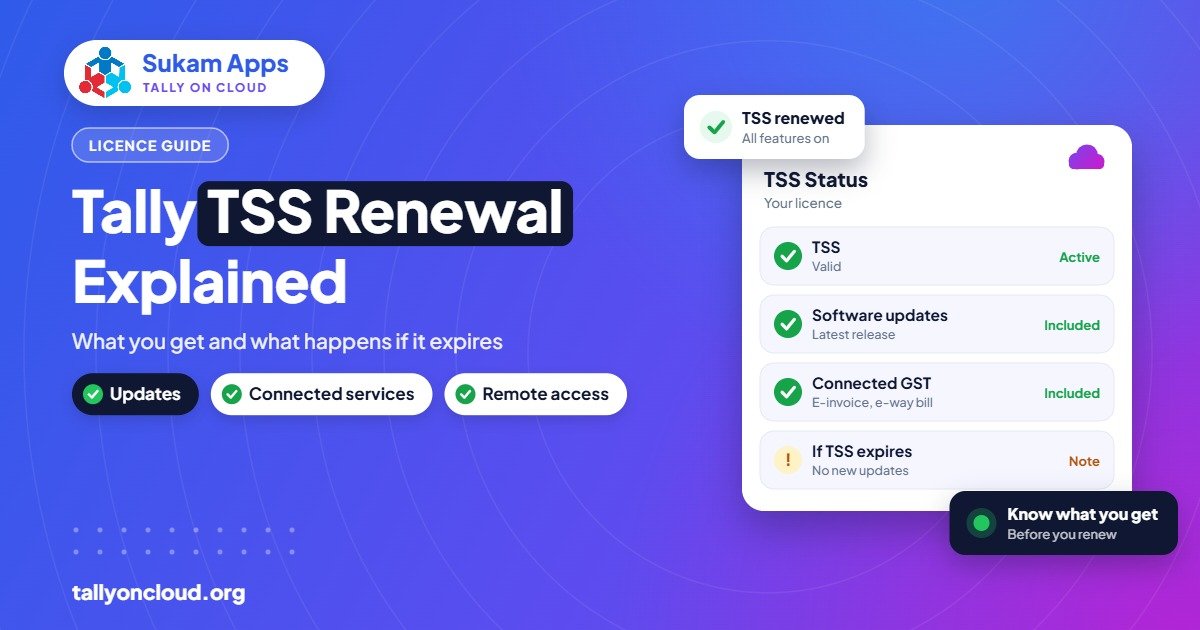
Tally TSS renewal keeps your TallyPrime up to date. TSS (Tally Software Services) is the annual subscription that gives you new TallyPrime releases and connected services after the first year. If TSS expires, your licensed TallyPrime keeps working on the version you already have, but you cannot move to newer releases, and features tied to TSS, such as free TallyDrive backup storage in TallyPrime 7, stop being available.
This guide explains what TSS covers, what really happens when it lapses, how to renew, and what it means if your Tally runs on cloud.
What Is TSS in Tally?
When you buy a TallyPrime licence, Silver or Gold, you own the right to use the software. TSS is a separate, renewable subscription that keeps the software current. Think of the licence as buying a car and TSS as the service plan that brings upgrades and connected features.
The first year is generally included with a new licence. After that, you decide each year whether to renew. We are not quoting a TSS price here, as it depends on your licence type and changes over time. Ask an authorised Tally partner for the current amount.
What You Get With Active TSS
- New TallyPrime releases. For example, TallyPrime 7.0 (19 December 2025) with TallyDrive, PrimeBanking, SmartFind and the Bharat Connect for Business plug-in, and later releases such as 7.1, now in beta and rolling out.
- Statutory updates. GST and other compliance changes arrive through new releases. Without TSS, you stay on whatever your version already handles.
- Free TallyDrive storage. In TallyPrime 7, free TallyDrive cloud backup storage comes with active TSS. See our TallyDrive backup guide.
- Connected services. Features that rely on Tally’s online services generally need active TSS. Check with your partner which ones you use.
To see how much has changed between releases, browse our TallyPrime version history.
What Happens If TSS Expires
This is where many business owners worry unnecessarily, so let us be clear.
| Question | After TSS expires |
|---|---|
| Will TallyPrime stop opening? | No. Your licensed version keeps working. |
| Will my data be lost? | No. Your data stays where it is. |
| Can I install a newer TallyPrime release? | No, not until TSS is renewed. |
| Will I get new GST changes? | Only those already in your current version. |
| Free TallyDrive storage? | Tied to active TSS, so plan another off-site backup. |
| Connected online services? | Services that depend on TSS may stop working. |
In short, expiry does not lock you out of your books. It freezes you in time. That is fine for a few weeks. It becomes a problem when a compliance change arrives that your version does not support, or when you discover your off-site backups had quietly stopped.
A realistic example
Consider a Panipat textile trader whose TSS lapsed two years ago. Daily billing still works. Then the business crosses a threshold and needs a feature only available in a newer release. Now renewal becomes urgent, right during a busy season, and there may also be a large jump in versions to manage. Renewing on time avoids this squeeze.
Should You Renew? A Simple Way to Decide
Renewal makes sense for most active businesses. Ask yourself:
- Do you file GST regularly from Tally? Then staying current with statutory changes matters.
- Do you rely on automatic backups? TallyDrive’s free storage needs TSS.
- Do you want features like PrimeBanking or SmartFind? They come with TallyPrime 7.0, which needs TSS.
- Is your company covered by the audit trail rule? Staying on a current TallyPrime with Edit Log is sensible. See TallyPrime Edit Log and the audit trail rule.
- Is the business winding down or only keeping old records? In that case, skipping renewal can be reasonable.
How to Renew TSS: Steps
- Check your TSS validity. Open TallyPrime and look at the licence or product information screen. Note the expiry date and your licence serial number.
- Contact an authorised Tally partner for a quote based on your licence type, Silver or Gold.
- Pay and receive confirmation. Keep the invoice for your records.
- Update the licence in TallyPrime. Usually this happens online once the renewal is processed; your TSS validity date should update.
- Upgrade to the latest release if needed. Take a full backup first, test your TDL add-ons, and then upgrade.
- Put next year’s date in a calendar, with a reminder a month in advance.
Renewing after a long gap
If TSS lapsed a while ago, renewal may involve catching up rather than a simple annual fee. Ask your partner exactly what applies to your licence. Also plan the upgrade carefully, because jumping several versions at once is more likely to affect TDLs and print formats.
A sensible order is: renew, take a full backup, upgrade a copy of your data, check your invoice print format and any custom reports, and only then move staff to the new version. For a multi-company setup, such as a Chandigarh CA office with many client companies, check a handful of companies before declaring the upgrade done.
TSS and Tally on Cloud
Tally on Cloud means your own licensed TallyPrime runs on a cloud server that everyone logs into. TSS still applies exactly as on an office computer, because it is tied to your licence, not to where Tally runs.
What cloud changes is the effort around upgrades:
- One installation. When TSS is active and a new release arrives, the provider upgrades TallyPrime once on the server. Every user, whether in a Jalandhar office, a Baddi plant or on a phone, gets the new version together.
- Safer upgrades. A good provider takes a full backup first and tests your TDLs before switching users over.
- Backups that do not depend only on TSS. Daily server backups continue whether or not your TSS is active, so you are never left with zero off-site copies. TallyDrive, when available, becomes an extra layer.
Note that Tally’s own TallyPrime Cloud Access service, listed from ₹600 per user per month, is different from hosted Tally on Cloud. We compare the two fairly in TallyPrime Cloud Access vs hosted Tally on Cloud.
A TSS Checklist for Business Owners
- Know your licence serial number and type (Silver or Gold).
- Know your TSS expiry date and set a reminder a month ahead.
- Before renewing, ask whether you are also upgrading versions, and plan a backup.
- After renewal, confirm the new validity date in TallyPrime.
- If TSS lapses, make sure another off-site backup is running.
- Review once a year whether you still need the same licence. Our Silver vs Gold comparison helps.
Frequently Asked Questions
What is TSS in Tally?
TSS stands for Tally Software Services. It is an annual subscription that gives you new TallyPrime releases, statutory updates and connected services after the first year.
Will TallyPrime stop working if TSS expires?
No. Your licensed TallyPrime keeps working on the version you have. You lose access to newer releases and features that depend on active TSS.
Do I need TSS for TallyPrime 7.0?
Yes. Upgrading to a new release such as TallyPrime 7.0 requires active TSS, and free TallyDrive storage in 7.0 is also tied to it.
How much does Tally TSS renewal cost?
It depends on your licence type and can change. Ask an authorised Tally partner for the current renewal amount for your Silver or Gold licence.
Is TSS needed if I use Tally on Cloud?
TSS is tied to your Tally licence, not to where it runs. On cloud, active TSS lets your provider upgrade TallyPrime on the server so every user gets the new version together.
Want someone to keep track of TSS, upgrades and backups for you? Sukam Apps, Jalandhar, has supported businesses since 2011. We host your own TallyPrime licence on cloud with daily backups, secure access from any device and local printing, and handle upgrades carefully. On-site setup and Hindi/Punjabi training across Punjab, Chandigarh, Haryana, Himachal and Delhi NCR; remote setup anywhere in India with a dedicated account manager. WhatsApp +91 99142 49191 for a free demo, or start at our home page.