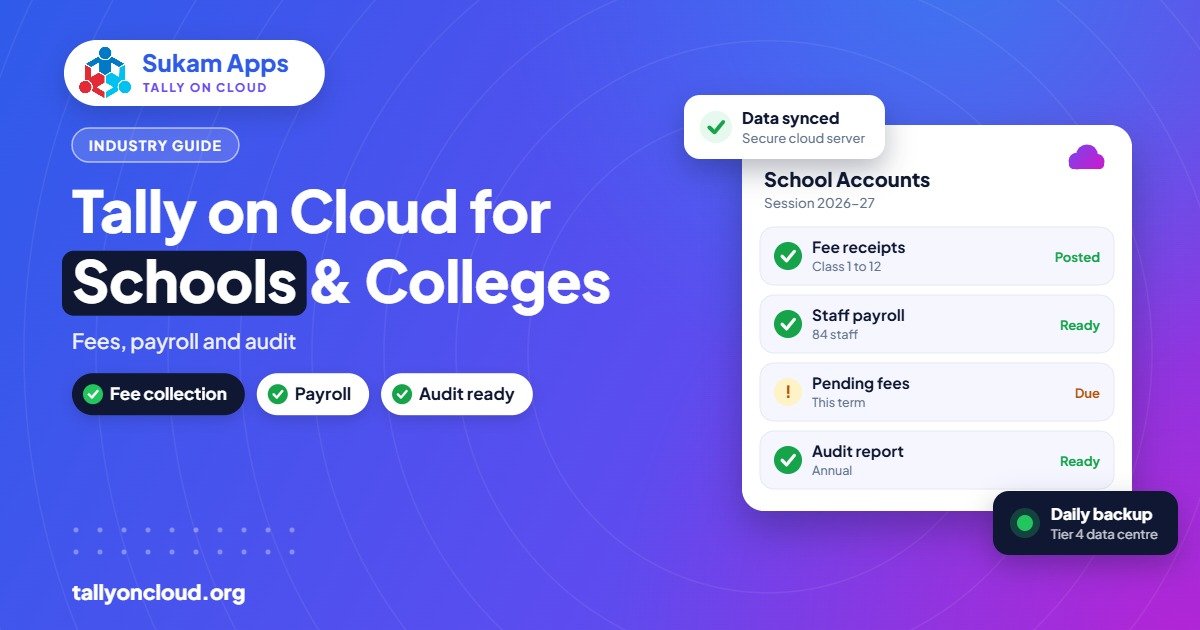
Tally for schools and colleges works well for the accounting side of an institution: fee receipts, salaries, expenses, funds and the trust’s audited statements. Fee collection itself is usually done in school software or at a counter, with summaries posted into TallyPrime. Putting TallyPrime on the cloud lets the accountant, principal, trust members and auditor all work on the same books without passing backups around.
This guide explains how to structure a school’s or college’s accounts in TallyPrime, where it fits alongside school management software, and how cloud access helps trusts that run more than one institution.
How Schools and Colleges Are Usually Structured
Most private schools and colleges in India are run by a registered trust or society, not a company. That shapes the accounts:
- The books produce an income and expenditure account rather than a profit and loss account.
- Money received for specific purposes, such as a building fund or scholarship fund, should be kept separate from general income.
- Trusts registered for income-tax exemption need properly maintained books and an audit. Your CA will guide you on the specific forms and conditions that apply.
- One trust often runs several institutions: a senior secondary school, a primary wing in another area, a college of education or nursing, perhaps a hostel.
Across Punjab, Haryana and Himachal we see this pattern everywhere, from a single CBSE school in a Jalandhar suburb to a trust running schools in two districts and a degree college.
Setting Up School Accounts in TallyPrime
One company or several?
If each institution files its own accounts, keep a separate company for each, all on the same cloud server. If the trust prepares one set of accounts but wants institution-wise figures, use one company with a cost centre for each institution. Decide this with your auditor before entering a single voucher.
Ledger structure
Create clear income groups: tuition fees, admission fees, annual charges, transport fees, hostel fees, exam fees, and other income such as rent from canteen or bookshop. On the expense side: teaching staff salaries, non-teaching salaries, building maintenance, transport (fuel, maintenance, driver salaries), electricity, events, and so on. Clean groups make the income and expenditure statement nearly ready by itself.
Funds kept separate
For building fund, development fund, corpus donations or earmarked grants, create separate fund ledgers under capital or liability groups as your CA advises. Spending from a fund is then visible against that fund, which auditors and trustees both want to see.
Cost centres for deeper analysis
Beyond institutions, some schools use cost centres for wings (pre-primary, primary, senior) or for activities like transport and hostel. This answers questions like “is the transport service covering its cost?” directly from the books.
Fee Collection: Tally Plus School Software
TallyPrime is not built to manage student records, class-wise fee structures, concessions and fee cards for hundreds or thousands of students. Trying to keep a ledger for every student in Tally gets heavy quickly. A practical approach:
- Collect fees in school management software or a fee counter system that issues receipts to parents.
- Post a daily or weekly summary into TallyPrime: fee head-wise totals, split by cash, bank deposit, UPI and card.
- Reconcile bank receipts with the summary. Online fee payments often arrive in batches after gateway charges, so record the charges as an expense.
- Track fee dues in the school software, not in Tally. Tally shows totals; the school software shows which student owes what.
Smaller schools with a few hundred students sometimes do keep student-wise ledgers in Tally, grouped by class. It works, but plan for the data growing every year, and archive old batches.
Many school software products can export summaries that can be imported into Tally. If yours can, it saves typing; test it during setup.
Payroll for Teaching and Non-Teaching Staff
Salaries are usually the largest expense for an institution. TallyPrime’s payroll module can handle:
- Employee groups such as teaching, non-teaching, transport and hostel staff.
- Salary structures with basic pay, allowances and deductions.
- Attendance and leave, if you choose to record them in Tally.
- PF, ESI and professional tax where applicable, and TDS on salaries.
- Salary register and payslips.
Payroll data is sensitive. On a shared cloud setup, give payroll access only to the accounts head or the person authorised by the management. Other staff, including the fee clerk, should not see salary screens.
Audit and Trustee Access
This is where Tally on Cloud makes the biggest difference for institutions.
| Who | What they need | Access to give |
|---|---|---|
| Accountant | Daily entries, bank, payroll | Full entry rights |
| Fee clerk | Post fee summaries | Receipt vouchers only |
| Principal / director | Cash, bank, monthly expenses | Reports, view-only |
| Trust chairman / treasurer | Fund position, institution-wise figures | Reports, view-only |
| Auditor / CA | Full books for review | View and audit rights, no deletion |
The auditor can log in from their own office in Chandigarh, Ludhiana or wherever they are, and review entries without carrying a backup copy. The treasurer can check the fund position before a trust meeting from a laptop at home. TallyPrime’s Edit Log records changes, which gives trustees and auditors more confidence when several people work on the books. Our post on Edit Log and the audit trail rule explains how it works, and Tally on Cloud for CA firms shows the auditor’s side.
Data Safety for Institutions
Schools hold years of financial records that auditors, trustees and sometimes education authorities may ask for. A single office computer is a risk: a hard disk failure, a virus or a ransomware attack can wipe out years. A good Tally on Cloud setup includes daily backups, and you can still keep your own local copy. Read our guide on protecting Tally data from ransomware for the habits that matter.
Practical Tips for Schools Moving to Tally on Cloud
- Move during a quiet period, not during admission season or right before the audit.
- Close the financial year first if possible, and start the cloud company cleanly from the new year, with old years available for reference.
- Print receipts locally: if the fee counter prints from Tally, test the counter’s printer through the cloud connection.
- Licence: if the accountant, fee clerk and auditor will use Tally at the same time, you need a multi-user (Gold) licence.
- Train the staff who will actually use it, not just the person who signs the order.
Frequently Asked Questions
Can Tally be used for school accounting?
Yes. TallyPrime handles a school’s or college’s accounts well: income and expenditure, funds, payroll, bank and audit. Student-level fee management is better done in school software, with summaries posted into Tally.
Should each school under our trust be a separate company in Tally?
It depends on how the trust prepares and files accounts. If each institution has its own accounts, use separate companies. If the trust has one set of accounts, use one company with cost centres. Ask your auditor before setting up.
Can our auditor access Tally from his office?
Yes. With Tally on Cloud you create a separate user for the auditor with view and audit rights. They work on live data from their own office.
Can TallyPrime handle teachers’ salaries with PF and TDS?
Yes. TallyPrime’s payroll module supports salary structures, attendance, PF, ESI, professional tax where applicable and TDS on salaries, along with payslips and registers.
Is fee and salary data safe on the cloud?
With a properly set up server, user-level access controls and daily backups, it is generally safer than a single office computer. Limit payroll access to authorised people only.
Get Tally on Cloud Set Up for Your School or College
Sukam Apps has worked with businesses and institutions since 2011. We install your licensed TallyPrime on a cloud server, help your accountant and auditor set up institution and fund structures, configure user rights for trustees and staff, and train your team in Hindi or Punjabi on-site. You get a dedicated account manager, not a call-centre queue. On-site support covers Punjab, Haryana, Chandigarh Tricity, Delhi NCR and Himachal; we set up remotely anywhere in India. WhatsApp +91 99142 49191 for a free demo and a quote for your user count, or contact us.