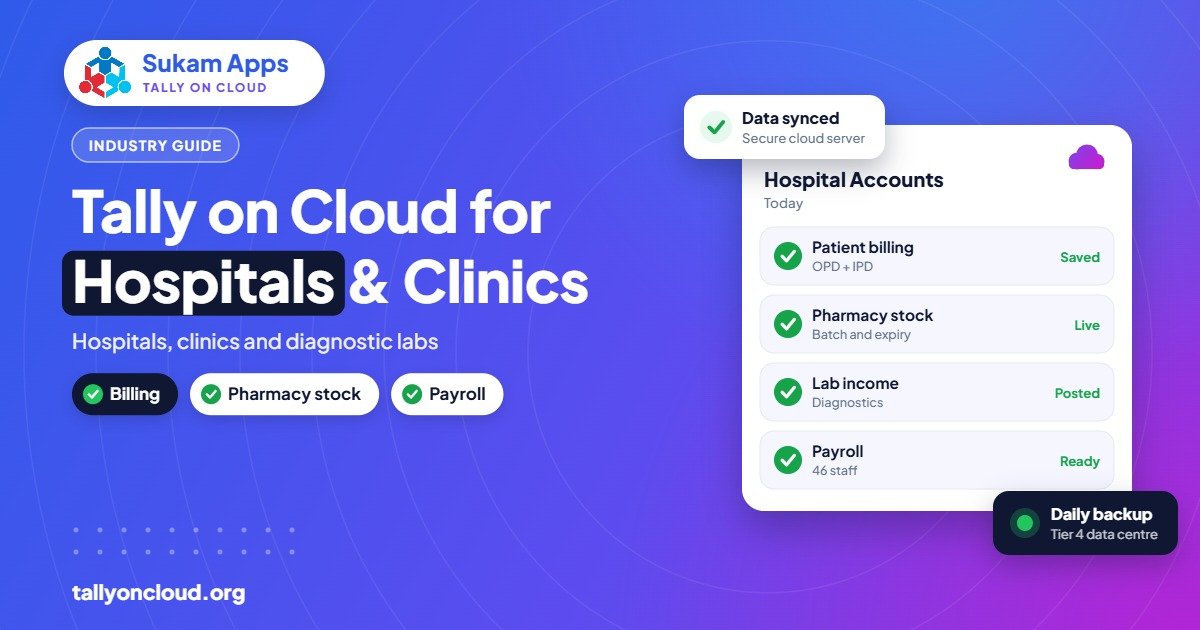
Tally for hospitals works best as the financial backbone that sits behind your patient-billing software: it holds the pharmacy stock, the doctor payouts, TDS, insurance and TPA receivables, vendor payments and the final books your auditor signs. Running that TallyPrime setup on the cloud lets the hospital accounts desk, the pharmacy, a second clinic and the owner-doctor all work on the same data without a server in the basement. This guide shows how to structure it.
It is written for nursing homes, multi-speciality hospitals, standalone clinics, dental and eye chains, IVF centres and diagnostic labs, from a 15-bed nursing home in Jalandhar to a pathology lab with collection centres across Ludhiana and Moga.
What a healthcare business actually needs from its accounts
Most hospitals already have a hospital management or lab software for registrations, OPD/IPD bills and reports. That software is good at the patient side. It is usually weak at the accounting side: GST on the pharmacy, purchase bills, vendor ageing, payroll entries, TDS returns and balance sheets. That is where TallyPrime fits.
The typical money flows look like this:
- Patient revenue: OPD fees, IPD packages, procedures, room charges, lab tests, radiology.
- Pharmacy: an in-house chemist shop buying from distributors and selling to patients, with batch and expiry.
- Consultant doctors: visiting surgeons, anaesthetists and specialists paid per case or as a share of revenue.
- Insurance and TPA claims: cashless bills where money arrives weeks later, often with deductions.
- Referral and collection centres for labs, with their own settlement terms.
- Consumables and equipment: gloves, reagents, implants, plus capital purchases like an ultrasound machine.
Each needs a slightly different setup in TallyPrime, so let us take them one by one.
Recording patient revenue without duplicating your HMS
Do not try to bill every patient in two systems. The practical approach most hospitals follow:
- Keep patient-level billing in your HMS or lab software.
- Post a daily summary into TallyPrime: one entry per day per revenue head (OPD, IPD, lab, radiology, pharmacy if separate) split by mode of receipt: cash, UPI, card, and credit to insurers/TPAs.
- Create separate income ledgers for each department so your profit and loss shows which department earns what.
- Use cost centres for departments or doctors if you want department-wise expenses too, such as how much the ICU actually costs to run.
If your HMS can export a daily summary in Excel, a TDL or an import template can bring it in with one click. Ask your software vendor what export formats exist before building anything.
A simple daily discipline: the cash counter closes, the accounts person posts the summary, and the cash in hand ledger in TallyPrime must match the physical cash handed over. Any difference is caught the same day, not at year end.
Hospital pharmacy: batch, expiry and stock control
The pharmacy is often where the real leakage happens. TallyPrime handles it well when set up properly:
- Batch-wise stock with expiry dates enabled at company level and for each medicine.
- Separate godowns for the main pharmacy store, OT store, ward stock and ICU, with stock transfers between them so you know where every strip went.
- Consumption entries for medicines and consumables used inside procedures, so stock reduces even when the patient is billed a package and not item-wise.
- Near-expiry review every week, so items get returned to the distributor in time.
We cover batch and expiry setup step by step in our guide on Tally for pharma distributors; the same settings apply to a hospital pharmacy.
If your pharmacy runs on a separate retail-chemist software, TallyPrime can still hold the purchases, the vendor outstanding and a daily sales summary. Decide early which system is the “master” for stock, and do not let both claim that role.
Doctor payouts and TDS
Visiting consultants are one of the most painful parts of hospital accounts. A surgeon might be paid a fixed amount per surgery, an anaesthetist per case, and a radiologist a percentage of scan revenue. At month end, someone has to work out the totals, deduct TDS and pay.
A clean setup in TallyPrime:
- Create each consultant as a party ledger under a group like “Consultant Doctors” (sundry creditors), with PAN filled in.
- Enable TDS in company features and set the consultant ledgers with the appropriate nature of payment. Your CA should confirm the correct TDS section and rate for professional fees; TallyPrime will then calculate it on each bill.
- Book a journal or purchase entry per month for each doctor’s fee, with TDS deducted automatically.
- Pay through a payment voucher and use bill-wise details so you can see which month’s fee is still pending.
- Use TallyPrime’s TDS reports to support your quarterly returns and Form 16A preparation with your CA.
Doctors often ask for a statement. With the cloud setup, the accounts person can export a ledger statement to PDF and send it on WhatsApp within a minute, without waiting to “get back to office”.
Insurance, TPA and corporate receivables
Cashless claims create receivables that sit for weeks. Common mistakes are booking the full bill amount as income and then never reconciling the deductions.
- Create a ledger for each insurer, TPA or corporate tie-up under sundry debtors.
- Book the claim amount with bill-wise reference (use the claim or IP number as the bill reference).
- When payment arrives, record the receipt against that bill, and book the disallowed amount to a “claim deductions” expense ledger.
- Review TPA-wise outstanding monthly; the oldest bills are the ones that need a follow-up call.
Over a year, the “claim deductions” ledger tells you which TPA cuts the most, which is useful when renegotiating tie-ups.
Diagnostic labs and collection centres
A lab chain has its own pattern. Samples come from walk-in patients, referring doctors, collection centres and sometimes other hospitals. Each has different terms.
- Treat collection centres as parties with bill-wise accounts. Their monthly settlement (what they collected minus their share) becomes a simple journal and receipt.
- Track reagent and kit consumption against test volumes. If a ₹5,000 kit should give 100 tests and you are getting 70, you will see it in the consumption entries.
- Keep machine AMC and reagent rental agreements as separate expense ledgers so you see the true cost per test.
Multi-centre hospitals and clinic chains
When a group runs two or three centres, say a main hospital in Jalandhar and clinics in Phagwara and Kapurthala, there are two common ways to structure TallyPrime:
| Approach | Best when | Things to watch |
|---|---|---|
| One company, centres as cost centres and godowns | Same legal entity and GSTIN, owner wants one combined view | User rights so each centre sees only what it should |
| Separate company per centre | Different legal entities, partners or GSTINs | Consolidation needs a group company or export to Excel |
On a local server, multi-centre almost always means pen drives, emailed backups or a VPN that only one person understands. On Tally on Cloud, every centre logs in to the same server over the internet. Our post on Tally for multi-branch businesses explains the structure in more detail.
Why the cloud suits healthcare accounts
- The owner is usually a doctor who is busy in OPD or OT. With cloud access, the doctor can check collections or outstanding from a phone between cases, without calling the accounts desk.
- Your CA can work remotely on TDS, GST and audit without collecting a laptop or backup.
- Data does not live on one reception PC that is also used for browsing and printing reports. That reduces virus and ransomware risk; see how to protect Tally data from ransomware.
- Daily backups are handled on the server side as part of a good Tally on Cloud setup.
- Local printing works: receipts, bills and statements print on the printer at your counter through printer redirection.
- Your own Tally licence works: the same TallyPrime you already use, just installed on a cloud server.
One point of honesty: patient medical records belong in your HMS, not in Tally. Keep TallyPrime for accounts and stock only, and give accounts users access only to what they need.
User rights: who should see what
Hospitals have many hands touching money. A sensible split:
- Pharmacy staff: purchase and sales vouchers for pharmacy items, stock reports; no access to doctor payouts or salary.
- Accounts executive: all vouchers, but no deletion of past-period entries.
- Branch clinic: entries for its own cost centre only, where possible.
- Owner and CA: full access, including reports and Edit Log.
If your hospital is a company, the audit trail rule applies from 1 April 2023, and TallyPrime’s Edit Log editions cover it. Ask your CA to confirm the Edit Log setting before the financial year starts.
Frequently Asked Questions
Can TallyPrime replace our hospital management software?
Usually not. HMS software handles patient registration, case sheets and itemised patient bills. TallyPrime handles accounts, GST, TDS, pharmacy stock and vendor payments. Most hospitals use both and post a daily summary from the HMS into Tally.
How do we handle TDS on visiting doctors’ fees in Tally?
Enable TDS in company features, set each consultant ledger with PAN and the correct nature of payment as advised by your CA, and TallyPrime calculates TDS on every fee entry. TDS reports then help with quarterly returns.
Can our second clinic use the same Tally data?
Yes. With Tally on Cloud and a multi-user (Gold) licence, staff at each clinic log in over the internet to the same company. You can separate their work using cost centres, godowns and user rights.
Is it safe to keep hospital accounts on the cloud?
A well-run setup uses individual logins, restricted user rights, encrypted connections and daily backups. Keep patient medical records in your HMS and only accounting data in Tally.
Will our receipt printer work with Tally on Cloud?
Yes. Printers connected to your counter PC are redirected to the cloud session, so bills and receipts print locally. We test this during setup.
Sukam Apps, Jalandhar has set up Tally on Cloud for businesses since 2011, with on-site setup and staff training in Hindi and Punjabi across Punjab, Chandigarh Tricity, Haryana, Delhi NCR and Himachal, and remote setup across India with a dedicated account manager. To see how your hospital, clinic or lab accounts would run on the cloud, WhatsApp us at +91 99142 49191 for a free demo, or contact us here.