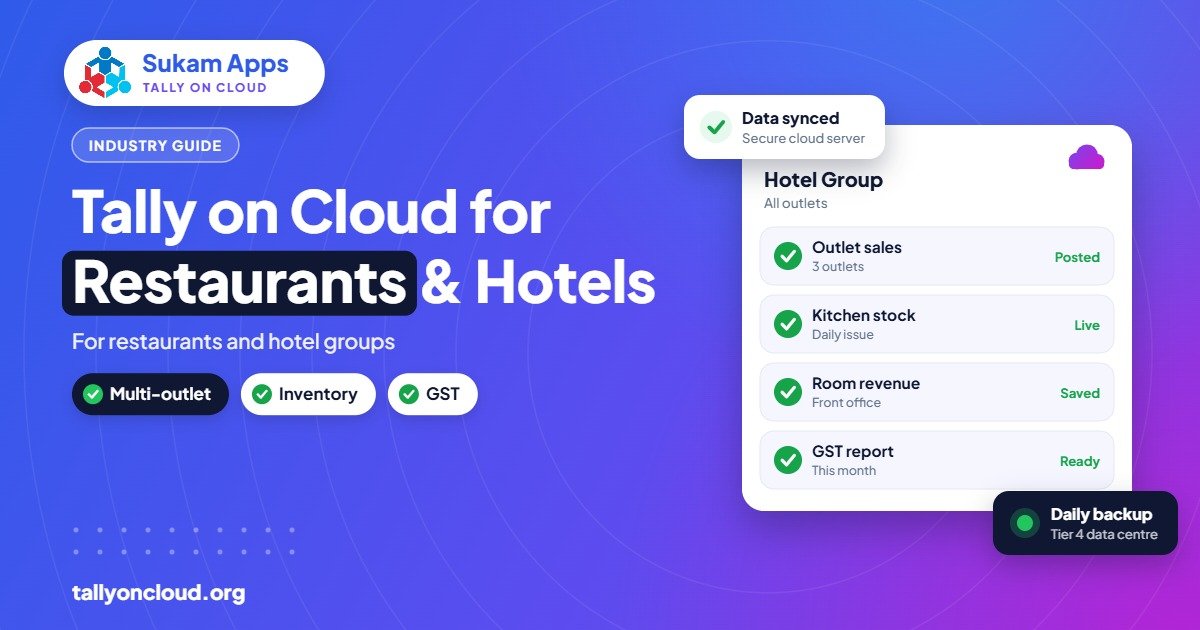
Tally for restaurants is most useful as the back office behind your POS: the POS bills the guest, and TallyPrime holds purchases, kitchen consumption, outlet-wise profit, GST, vendor payments and salaries. Put that TallyPrime on the cloud and every outlet, the central kitchen and the owner can see the same numbers live. This guide explains how restaurant chains and hotel groups usually structure it.
It is aimed at multi-outlet restaurants, cafe and bakery chains, dhabas on the highway, banquet halls and hotel groups with rooms plus a restaurant, whether you have two outlets in Amritsar or six across Chandigarh Tricity.
Where restaurants lose money (and where accounts can help)
Restaurant owners usually know their daily sales to the rupee because the POS shows it. What they often do not know:
- Which outlet actually makes money after rent, staff and food cost.
- Whether food cost is 30% or 42% of sales this month.
- How much paneer, oil or chicken should have been used for what was sold, versus what was actually bought.
- How much is owed to the vegetable vendor, the dairy and the gas supplier.
- Whether cash handed over by each outlet matches the POS.
These are accounting questions, and TallyPrime answers them if the setup is right.
Structuring outlets in TallyPrime
There are two common structures:
| Structure | Suits | How it looks |
|---|---|---|
| One company, outlets as cost centres and godowns | Outlets under the same legal entity and GSTIN | One set of books; profit by outlet via cost centre reports; stock per outlet via godowns |
| One company per outlet or entity | Franchise outlets, partnerships, separate GSTINs (for example, different states) | Separate books; owner views each company or consolidates through a group company |
For most family-owned chains in Punjab, the first structure is simpler. Each outlet becomes a cost centre (for income and expenses) and a godown (for stock). The central kitchen or main store is its own godown, and transfers to outlets are recorded as stock journals.
Bringing POS sales into Tally
Do not re-enter every KOT or bill in Tally. Instead:
- Close the day in the POS and take the day-end summary: sales by category (food, beverages, bar if any), tax collected, and receipt modes (cash, card, UPI, aggregator).
- Post one sales entry per outlet per day in TallyPrime with the outlet cost centre.
- Record receipts by mode: cash to the outlet cash ledger, card and UPI to the bank or a “settlement pending” ledger, aggregator sales to the aggregator’s ledger.
- Reconcile weekly: card settlements and aggregator payouts arrive later with commissions deducted. Book the commission as an expense and clear the pending ledger.
Many POS systems can export the day-end summary to Excel, and some offer a Tally integration. Check what your POS provides before choosing a method; an import template saves hours each month.
GST on food: keep it simple and correct
GST for restaurants, hotel rooms, outdoor catering and packaged items can fall under different rates and conditions, and the rules have changed over the years. We will not list rates here because your CA should confirm what applies to your exact business. What matters in Tally is the setup discipline:
- Create separate sales ledgers for each type of supply with a different GST treatment: restaurant service, room tariff, banquet, packaged goods sold over the counter.
- Set GST details on these ledgers (or stock groups) once, as advised by your CA, so every daily entry picks the correct tax automatically.
- Keep input tax credit eligibility in mind when booking purchases; some restaurant categories may not be able to claim it. Your CA will tell you how to treat input GST.
- Use TallyPrime’s GST reports to cross-check against what the POS says was collected before filing.
Getting ledgers right once avoids a monthly argument between the POS figures and the GST return.
Recipes and kitchen consumption
This is where TallyPrime earns its keep for restaurants. Using a Bill of Materials (BOM), you can define a dish in terms of raw materials. For example, one plate of paneer butter masala might use 150 g paneer, 40 g butter, 80 g tomato gravy base and so on.
- Create raw materials as stock items with the right units (kg, litre, nos).
- Create menu items as stock items and attach a BOM to each, at least for your top 20 dishes.
- Post daily or weekly production or consumption based on quantities sold, so raw material stock reduces according to the recipe.
- Do a physical count of key items (paneer, oil, meat, dairy, liquor if applicable) every week and compare with the book stock.
The difference between “should have used” and “actually used” is your wastage, over-portioning or pilferage. Even a rough BOM for the top-selling dishes reveals problems that daily sales numbers never show.
If recipes feel too detailed to start with, begin with a simpler method: record purchases outlet-wise, count closing stock weekly, and calculate food cost percentage per outlet. Move to BOMs once the basics are steady.
Central kitchen and stock transfers
Chains often prepare gravies, dough, marinated meat and desserts in a central kitchen. In TallyPrime:
- Record raw material purchases into the central kitchen godown.
- Record preparation of semi-finished items (gravy base, dough) with a manufacturing journal.
- Transfer prepared items to outlets with stock journals or delivery notes.
- If outlets are separate GST registrations in different states, transfers may need tax invoices; ask your CA.
Hotels: rooms, restaurant and banquets
A hotel in Shimla or Dharamshala usually runs rooms, a restaurant, room service and sometimes banquets. The front-office software handles reservations and guest folios. TallyPrime should hold:
- Daily revenue summary by department (rooms, F&B, banquet, laundry, other).
- Advance bookings received, as customer advances, adjusted when the guest checks out.
- Travel agent and OTA receivables with commission tracking.
- Housekeeping and F&B stock with godowns for each store.
- Property-wise cost centres if you run more than one hotel.
For hill properties with seasonal staff and owners who live in the plains, see our guide on Tally for hotels in Himachal.
Owner dashboards from the cloud
Most restaurant owners do not want to open Tally. They want five numbers. With Tally on Cloud, the owner can log in from a phone and check these in a couple of minutes:
- Cash and bank balances across outlets.
- Outlet-wise sales and expenses through the cost centre report for the month so far.
- Vendor outstanding: who has to be paid this week.
- Stock of high-value items at each godown.
- Profit and loss for the month, filtered by cost centre where needed.
Our post on using TallyPrime on your mobile phone explains how phone access works in practice.
Why cloud suits restaurant groups
- Outlets do not need their own Tally PCs or servers. A manager logs in from the outlet laptop; the data stays in one place.
- No end-of-day pen drive runs to the head office.
- Accountant can sit anywhere, including your CA’s office, and still post the day’s entries.
- Daily backups as part of a good Tally on Cloud setup, so a kitchen fire or a stolen laptop does not take your books with it.
- Your existing TallyPrime licence works; for several outlets entering at the same time you need a multi-user (Gold) licence.
Practical tip: restaurant counters often share the PC with music, CCTV and aggregator apps. Keep Tally access on a separate Windows user or a dedicated device, and do not save the cloud password on shared machines.
Frequently Asked Questions
Can TallyPrime work as a restaurant POS?
TallyPrime can make invoices, but a dedicated POS is better for KOTs, table management and fast counter billing. Most restaurants use a POS for guest billing and TallyPrime for accounts, stock and GST, posting a daily summary.
How do I see outlet-wise profit in Tally?
Create each outlet as a cost centre and tag sales and expenses to it. The cost centre report then shows income and expenses per outlet. Rent, salaries and utilities should also be tagged.
Can Tally calculate food cost using recipes?
Yes, using Bill of Materials on menu items. Raw material stock reduces according to the recipe, and comparing with physical stock shows wastage and variances.
Do I need a Gold licence for multiple outlets?
If more than one person needs to work in Tally at the same time, yes, you need multi-user (Gold). If only one accountant enters all outlets, Silver can work, though the owner logging in simultaneously would also need a user slot.
Which GST rate should I use for my restaurant?
That depends on your type of supply and other conditions, so confirm it with your CA. Once decided, we set the tax details on ledgers so every entry picks it automatically.
Sukam Apps, Jalandhar has helped businesses with Tally since 2011, with on-site setup and staff training in Hindi and Punjabi across Punjab, Chandigarh Tricity, Haryana, Delhi NCR and Himachal, plus remote setup across India with a dedicated account manager. If you run more than one outlet and want one set of live books, WhatsApp us at +91 99142 49191 for a free demo, or visit our Tally on Cloud home page.