
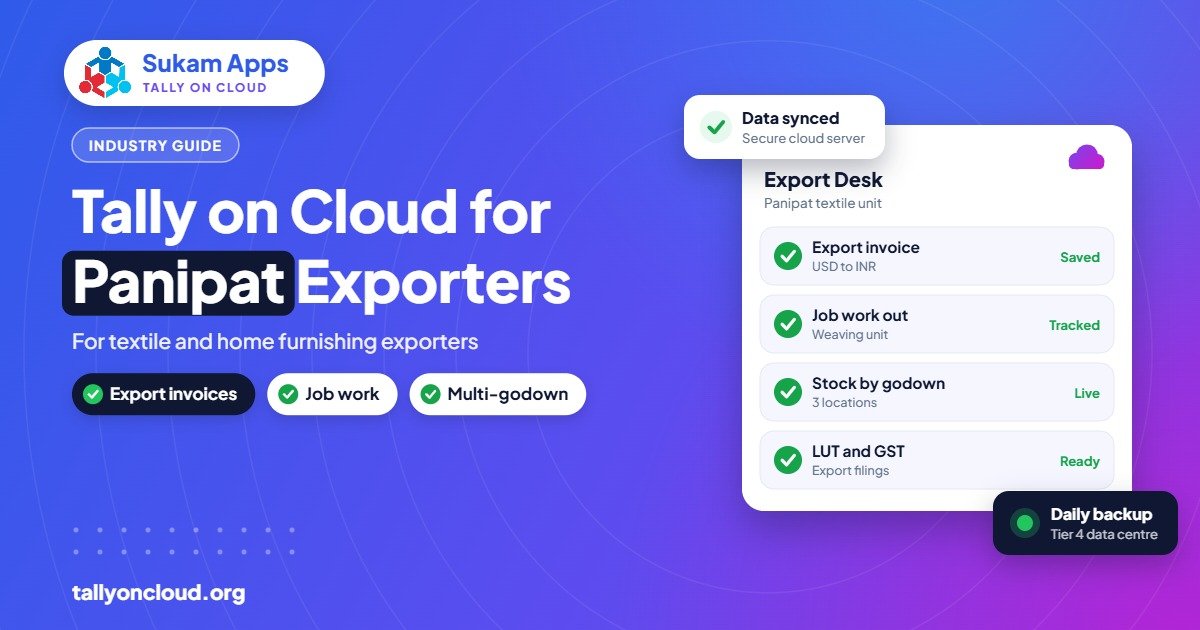
Getting Tally for textile exporters right in Panipat comes down to three things: tracking yarn and fabric through outside weavers, dyers and finishers; raising export invoices in foreign currency under LUT; and letting the factory, the export office and the owner work in the same books. Running your licensed TallyPrime on a cloud server handles the third, and a careful setup handles the first two. Sukam Apps does this setup on-site in Panipat and across Haryana.
This guide is written for Panipat’s home furnishing, rug, blanket and made-up exporters, and for the yarn units and fabric traders who supply them.
Why Panipat Textile Exporters Move Tally to the Cloud
A typical Panipat export house is not one building. The office may be on GT Road or in Sector 25, the weaving and stitching happen in sheds around Samalkha, Israna or the industrial area, dyeing and finishing are done by outside units, and the owner spends part of the year at buyer meetings and trade fairs abroad. The buyer’s merchandiser wants a status update by evening, and the CA in Panipat or Delhi wants the books by the 10th.
With TallyPrime installed on one office computer, every one of these people waits for that one computer. With it on a cloud server, they log in from wherever they are:
- The store in-charge at the factory enters yarn received and material sent to job workers.
- The export desk raises invoices and packing lists the moment a container is stuffed.
- The owner checks stock, receivables in dollars or euros and pending job work from a laptop or phone, even overseas.
- The CA opens the same data remotely instead of asking for a backup on a pen drive.
You keep your own Tally licence. The server, daily backups and remote access are what the cloud setup adds. If you are new to the idea, our complete guide to Tally on Cloud explains how it works.
Setting Up Stock: From Yarn to Finished Bedsheet
Most textile accounting problems start with stock items created in a hurry. A little planning on day one saves months of confusion.
Use stock groups that follow the process
Create groups such as Yarn, Grey Fabric, Dyed Fabric, Trims and Accessories, Packing Material, Work in Progress and Finished Goods. Reports then show you where money is stuck at each stage, which is exactly what an owner wants to know before the season.
Handle units carefully
Yarn is bought in kilograms, fabric is often counted in metres, and finished goods are sold in pieces or sets. TallyPrime supports compound units and alternate units, so a bale or a roll can carry its weight or length. Decide this once with your accountant, because changing units after a year of entries is painful.
Design, size and colour
A single cushion cover design may come in several sizes and colours, and every buyer has its own article numbers. TallyPrime does not have a built-in “variant matrix”, so most exporters use a clear naming pattern, for example design code – size – colour, and keep the buyer’s article number in the item’s part number or an alias. If you need a true size-colour matrix on invoices, a TDL add-on can do it, and TDLs work on a cloud server just as they do on a desktop. See how to load TDL add-ons on Tally on Cloud.
Batches for lots and dye lots
Shade variation between dye lots is a real issue for home furnishings. Enabling batches on fabric items lets you record the lot number at receipt and pick the right lot when issuing to stitching, so one order does not mix shades.
Job Work: The Heart of Panipat Textile Accounting
Very few Panipat units do every process in-house. Yarn goes out for weaving, grey fabric goes to a dyer or printer, cut pieces may go to fabricators for stitching, and finished goods come back for checking and packing. Every one of these trips is a place where material can go missing on paper.
TallyPrime has job work features built for this. A practical flow looks like this:
- Job Work Out Order: record what you are sending to the job worker and what you expect back, for example 500 kg yarn to come back as a given quantity of woven fabric.
- Material Out: each time material leaves your premises, record it against the order. TallyPrime tracks it as stock lying with the job worker, not lost from your books.
- Material In: when the processed goods return, enter them against the same order. Partial receipts are fine.
- Job worker’s bill: book their processing charges as a purchase of services, with GST as applicable.
- Review pending reports: check job work outstanding reports every week, so you know which weaver or dyer is holding how much of your material.
Process loss is normal in textiles: yarn wastage in weaving, shrinkage in dyeing, cutting waste in stitching. Agree on expected loss percentages with your CA and record actual scrap or wastage separately. That way, a dyer returning less than expected stands out in the report instead of hiding in the totals.
For units that process material for others (dyeing houses or weaving sheds working for exporters), the reverse applies: use Job Work In Orders to track the principal’s material that is lying with you. Never mix it with your own stock.
Export Invoicing in TallyPrime
Foreign currency
Enable multiple currencies and create the currencies you deal in. Each export invoice is then raised in USD, EUR, GBP or whatever the buyer pays in, while your books stay in rupees. When the payment arrives at a different rate, TallyPrime can show the exchange difference so your CA can book the gain or loss. Keep the buyer ledgers in the foreign currency so the outstanding report matches what the buyer actually owes.
Exports under LUT
Many exporters ship without paying IGST by filing a Letter of Undertaking. In TallyPrime, export sales can be marked accordingly in the GST details of the invoice and party, and the LUT details can be recorded so they appear on the invoice. Your CA should confirm the exact settings for your registration once, then every invoice follows the same pattern.
Shipping details
Port code, shipping bill number and date are needed for GST returns on exports. These can be entered in the invoice’s export details. In a cloud setup, the person who receives the shipping bill from the CHA can update it directly, even if the invoice was made by someone else in another location.
Export incentives and samples
Export incentives, freight, courier for samples and fair participation costs all need their own ledgers. Ask your CA how to account for any incentive you receive, and keep sample dispatches separate from regular sales so your stock and GST figures stay clean.
Day-to-Day Workflow Across Factory, Office and Travel
Here is how responsibilities often split once Tally is on the cloud:
| Who | Where | What they do in Tally |
|---|---|---|
| Store in-charge | Factory or godown | Yarn and fabric receipts, Material Out and Material In entries |
| Accountant | Head office | Purchase bills, job worker bills, payments, GST working |
| Export executive | Head office or home | Export invoices, packing details, shipping bill updates |
| Owner | Anywhere, including abroad | Stock summary, receivables by buyer, cash and bank position |
| CA or auditor | Their own office | Review, finalisation, return working with limited rights |
TallyPrime’s security controls let you give each person only the screens and actions they need. A store person does not need to see bank balances, and an auditor does not need rights to delete vouchers. With more people logging in, it also helps that TallyPrime’s Edit Log records who changed what. Read more in our post on the Edit Log and audit trail rule.
Things Panipat Exporters Should Check Before Moving
- Licence type: if more than one person needs Tally at the same time, you need a multi-user (Gold) licence. Our Silver vs Gold guide explains the difference.
- Data size: exporters with many years and many items in one company can have heavy data. Splitting the company by financial year before moving keeps things fast.
- Printing: invoices, packing lists and barcode labels for cartons should print on your local printers. Test this during the demo, not after go-live.
- Internet at the factory: many sheds on the outskirts depend on a single connection. A 4G backup is cheap insurance, and Tally on Cloud uses little bandwidth because only screen updates travel.
- Season timing: do not switch in the middle of a big shipment window. Plan the move for a quieter month.
Frequently Asked Questions
Can TallyPrime handle export invoices in dollars and euros?
Yes. Once multi-currency is enabled, you can raise invoices in foreign currency, keep buyer ledgers in that currency and track exchange differences when payment arrives. This works the same way on a cloud server as on a desktop.
How do I track yarn sent to outside weavers in Tally?
Use Job Work Out Orders with Material Out and Material In vouchers. TallyPrime then shows material lying with each job worker and what is still pending, so you can follow up before it becomes a dispute.
Do I need a TDL for size and colour wise stock?
Not always. A consistent item naming pattern works for many exporters. If buyers need size-colour matrix invoices or ratio packing, a TDL add-on can help, and TDLs can be loaded on a cloud server.
Can my CA work on my Tally data from Delhi or Panipat without visiting?
Yes. With Tally on Cloud, you create a user for your CA with the rights you choose. They log in from their own office and work on live data, so no backups have to be sent back and forth.
Will Tally on Cloud work at a factory with weak internet?
Usually yes, because remote desktop sends only screen changes and keystrokes, which need little bandwidth. Stability matters more than speed, so a backup 4G connection is a good idea for factory sites.
Get Tally on Cloud Set Up for Your Panipat Unit
Sukam Apps has been setting up business software since 2011. For Panipat textile and home furnishing exporters we install your licensed TallyPrime on a cloud server, set up job work and export invoicing with your accountant, connect your printers and train your staff in Hindi or Punjabi on-site. You also get a named account manager instead of a call-centre queue. We work on-site across Haryana, Punjab, Chandigarh Tricity, Delhi NCR and Himachal. WhatsApp us on +91 99142 49191 for a free demo, or contact us here.





