TallyPrime Shortcut Keys: Complete List (F1 to F12, Alt and Ctrl)
Complete list of TallyPrime shortcut keys: F1 to F12 function keys, voucher keys like Ctrl+F8 credit note, Alt and Ctrl keys for reports and menus.

Complete list of TallyPrime shortcut keys: F1 to F12 function keys, voucher keys like Ctrl+F8 credit note, Alt and Ctrl keys for reports and menus.
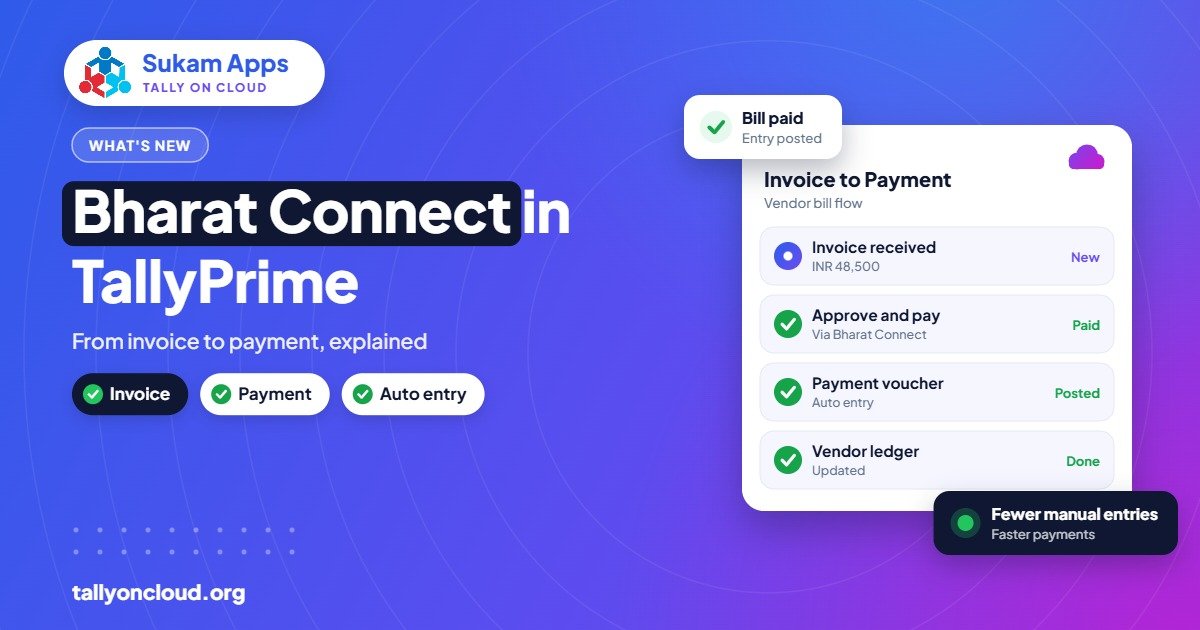
How the Bharat Connect for Business plug-in in TallyPrime 7.0 links supplier invoices to payments and creates purchase entries, and who benefits most from it.

SmartFind in TallyPrime 7.0 searches masters and transactions from any screen, with partial spellings, across loaded companies. Tips, examples and limits.
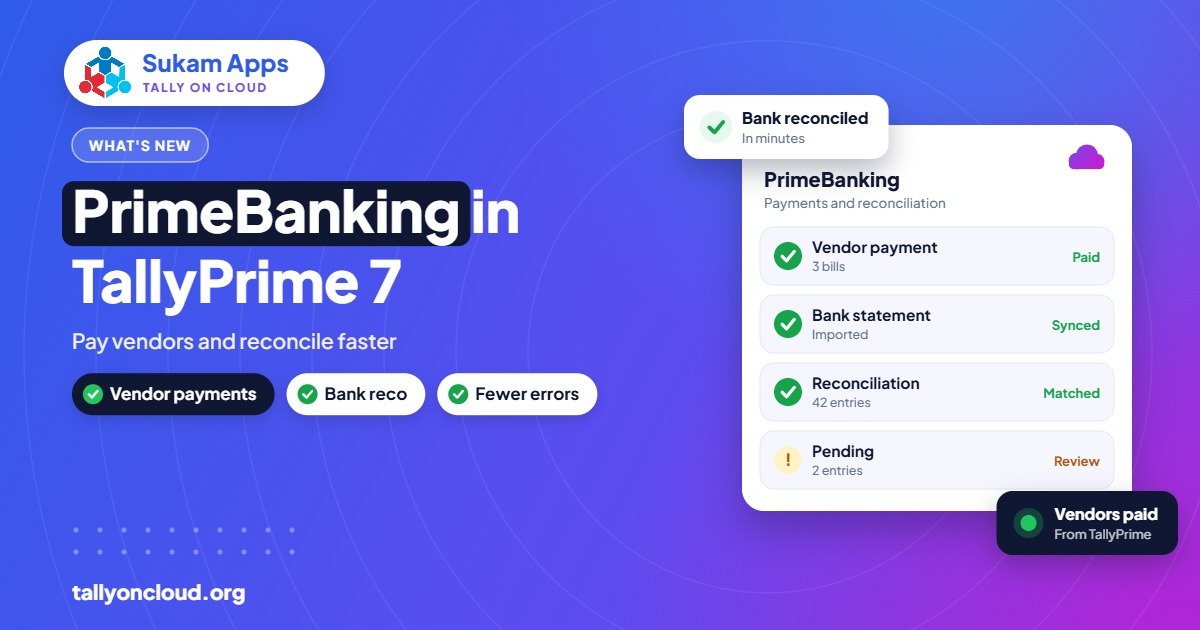
What PrimeBanking in TallyPrime 7 does: vendor payments from Tally, UTR status, auto bank reconciliation, 7.1 additions, safety cautions and cloud use.
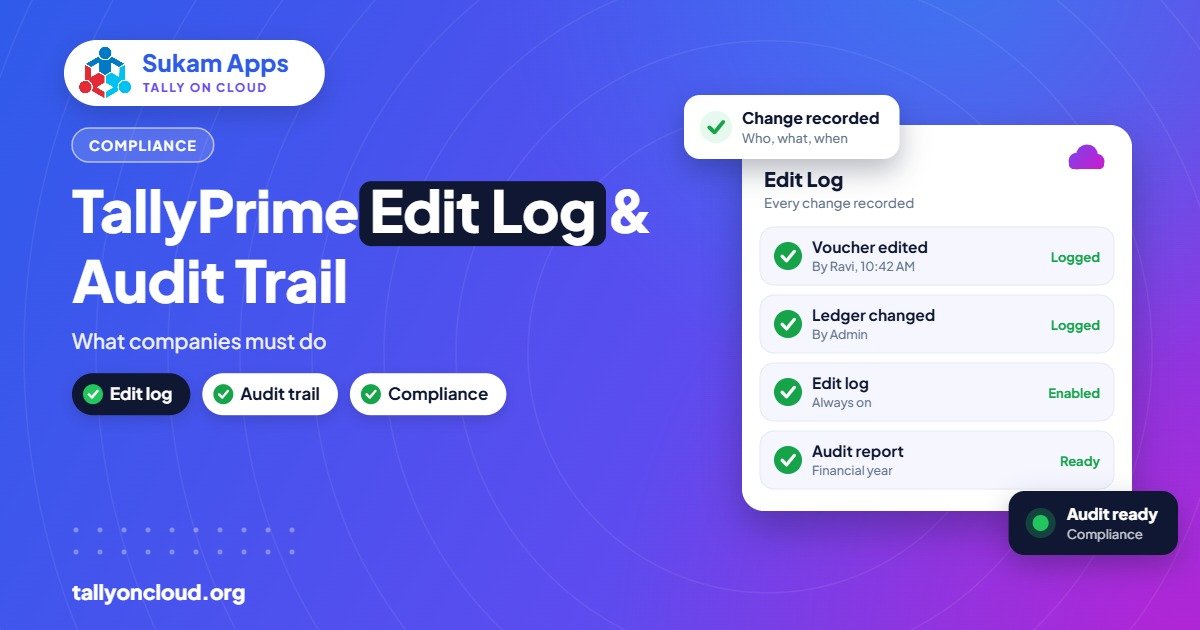
Tally Edit Log explained: the MCA audit trail rule from 1 April 2023, which companies must comply, how to enable Edit Log in TallyPrime and good practices.
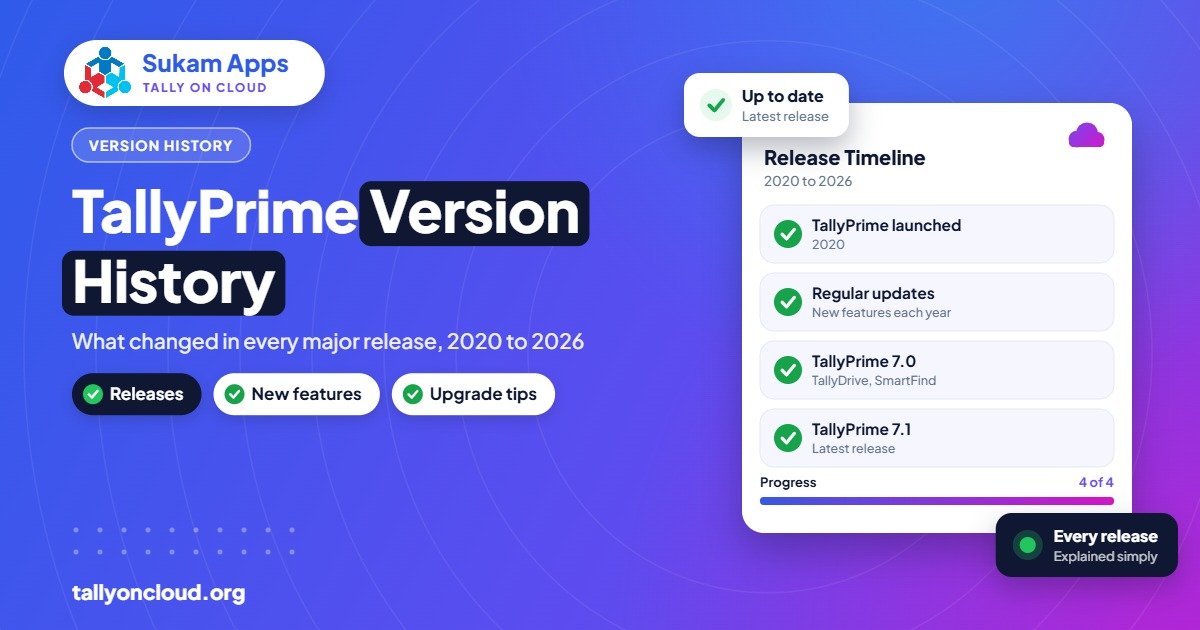
TallyPrime version history from Tally.ERP 9 6.6.3 to TallyPrime 7.1 beta: what each major release changed and which version your business should use.
How TallyDrive backup and auto backup work in TallyPrime 7, how to set them up, restore older versions, and why you still need a second backup copy.
TallyPrime 7.1 is in beta with branded invoice templates, connected banking, HSN validation, GSTIN fetch and more. See what’s new and a safe upgrade checklist.

TallyPrime 7.0 features explained: TallyDrive backups, PrimeBanking payments, SmartFind search and Bharat Connect, with who benefits and how to upgrade safely.