
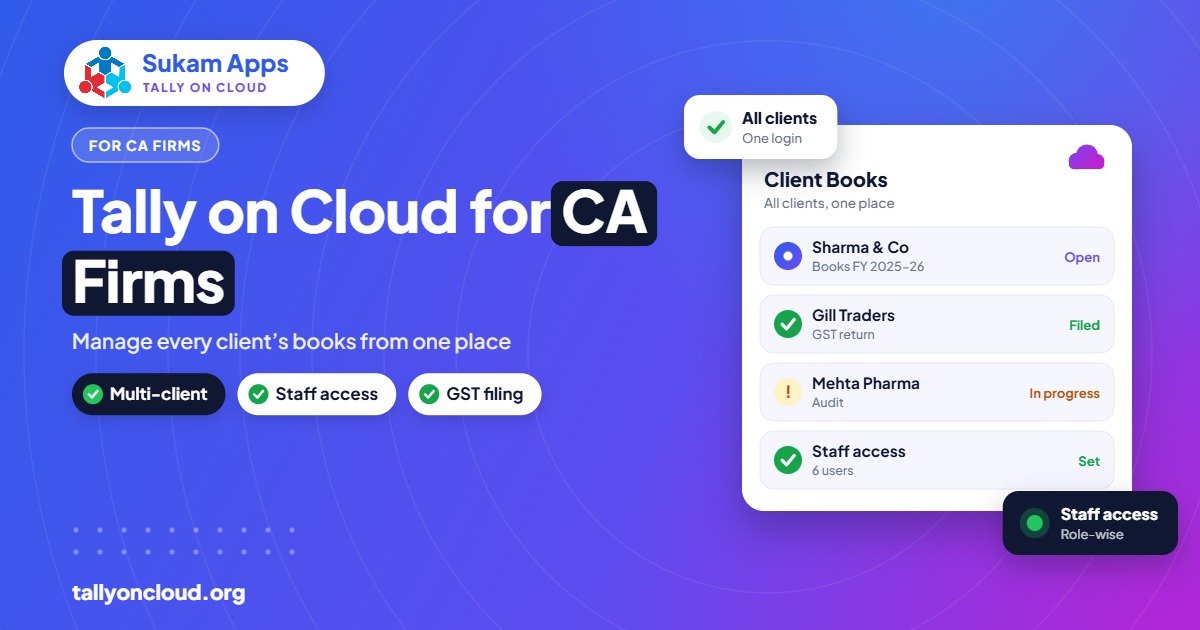
Tally cloud for CA firms means keeping your clients’ TallyPrime companies on a secure cloud server that your partners, article assistants and (where suitable) the clients themselves can open from anywhere. Instead of collecting data on pendrives or by email every month, everyone works on one live copy with proper user rights and daily backups. For a practice handling dozens of clients through GST and audit season, that removes a lot of chasing, re-work and version confusion.
Here is how it works in practice, the setup options, and what to plan before you move.
The Problem Every CA Practice Knows
Ask any Chandigarh or Ludhiana CA office how client data reaches them, and the answers are familiar:
- A client’s accountant copies the data folder to a pendrive and sends it with an office boy.
- Someone emails a zipped backup, which arrives in an old TallyPrime release and needs migration.
- An article assistant makes corrections in the office copy, while the client keeps entering in their own copy. Now there are two versions of the truth.
- During return filing, staff work late on the office PCs because the data is only on those machines.
Each step wastes time, risks data loss, and makes it hard to know which copy is final. A pendrive with ten clients’ books is also a serious confidentiality risk if it goes missing.
How Tally on Cloud Fits a CA Firm
With Tally on Cloud, TallyPrime runs on a remote Windows server and every authorised person connects via Remote Desktop or a browser. (If the concept is new to you, start with our complete Tally on Cloud guide.) For a CA firm there are two common models.
Model 1: The firm’s own cloud server
The firm hosts its own TallyPrime licence on the cloud and loads client companies there. Partners and staff log in from office, home or a client’s premises. This suits firms that do full bookkeeping or write-up work for clients who do not maintain Tally themselves.
Model 2: The client’s cloud, with CA access
The client runs Tally on Cloud for their own business, and gives the CA firm a separate login with appropriate rights. The client’s accountant enters daily vouchers; the CA team reviews, passes adjustment entries and finalises returns on the same live data. No data transfer at all.
Most practices end up with a mix: bookkeeping clients on the firm’s server, larger clients on their own cloud with CA logins.
Comparison: Pendrive Workflow vs Cloud Workflow
| Activity | Pendrive / email | Tally on Cloud |
|---|---|---|
| Getting client data | Collect, copy, check release | Log in; data is already there |
| Version control | Multiple copies, merge problems | One live copy |
| Working from home in GST season | Only if data is copied to a laptop | From any device |
| Data confidentiality | Pendrives can be lost | Login per user, nothing stored locally |
| Backups | Depends on each staff member | Daily server backups |
| Staff leaving the firm | Data may stay on their laptop | Disable the login; access ends |
Setting User Rights for Partners, Staff and Clients
The real strength of a cloud setup for a practice is control over who sees what. Plan access at two levels.
Server level (who can log in at all)
- Each person gets their own server login, never a shared one.
- Article assistants can be limited to the folders of clients they work on.
- Clients with logins see only their own company data folder.
TallyPrime level (what they can do inside a company)
- Partners: full access, including closing books and altering masters.
- Senior staff: voucher entry, alteration and reports, but no deletion of masters.
- Article assistants: entry and specific reports; restrict access to sensitive areas such as payroll.
- Client users: day-to-day entry, without rights to alter past periods once reviewed.
Combined with TallyPrime’s Edit Log, you also get a record of who changed what, which supports the audit trail requirement that applies to companies from 1 April 2023. That is useful evidence when reviewing a client’s books.
How It Helps in GST Return Season
The weeks around GSTR-1 and GSTR-3B due dates are when cloud pays for itself. A few things change for the better:
- No last-minute data collection. Purchase and sales entries are already in the live company; your team starts reconciling immediately.
- Work is spread across people and places. A partner can review from home in the evening while staff continue entry at the office.
- Clients can fix their own gaps. If a purchase bill is missing, the client’s accountant enters it in the same company and your team sees it straight away.
- Multi-GSTIN clients are simpler. TallyPrime 3.0 and later allow multiple GST registrations in one company, so a client with units in Punjab and Himachal stays in one data set on the server.
Newer releases also add help for reconciliation work. If you are planning upgrades for your client base, read our notes on TallyPrime 7.0 new features and what TallyPrime 7.1 brings.
Licensing: What a CA Firm Needs to Know
- Your firm’s server: you need a TallyPrime Gold licence if several staff will work at the same time. Silver allows only one user at a time.
- Client’s own cloud: the client’s licence is used; your login simply counts as one of their users.
- Release consistency: keep all companies on the server on one TallyPrime release, so you do not face data migration surprises. Clients’ TSS status affects whether they can move to newer releases.
Official TallyPrime prices are around ₹22,500 for Silver and ₹67,500 for Gold (perpetual, excluding GST), with rental options too. Hosting is a separate cost; most providers charge roughly ₹400–₹700 per user per month for shared plans, and more for a dedicated server. For your exact user count, ask for a quote.
Practical Setup Plan for a Practice
- List clients by type: bookkeeping clients (data with you), self-accounting clients (data with them), and occasional clients.
- Decide where each client’s data lives — your server or their own cloud.
- Clean up release differences by migrating old data to the current TallyPrime release before moving it to cloud.
- Create a folder structure on the server: one folder per client, named consistently.
- Create user logins and map each staff member to the clients they handle.
- Move TDL add-ons your firm relies on, such as custom reports, and test them on the server.
- Set up printing and PDF export for statements and computations. See printing from Tally on Cloud.
- Train staff on logging in, logging off properly, and not copying data to local drives.
Confidentiality and Professional Responsibility
Your clients trust you with their financials. When choosing a provider, ask clearly about encryption of connections, how backups are stored and for how long, how quickly a user can be disabled, and who on the provider’s side can access the server. Prefer a setup where every action is tied to an individual login, and where nothing needs to be saved on staff laptops. The DPDP Act has made data handling a conversation clients increasingly raise, so having clear answers helps.
Frequently Asked Questions
Can a CA access a client’s Tally data without the client sending a backup?
Yes. If the client uses Tally on Cloud, they can give the CA firm its own login with suitable rights. The CA then works on the live data directly, with no backups or pendrives needed.
Which TallyPrime licence does a CA firm need for cloud?
If more than one person will work at the same time on the firm’s server, a Gold (multi-user) licence. A Silver licence allows only one user at a time.
Can my staff see all clients’ data?
Only if you allow it. Server-level folder permissions and TallyPrime user rights let you limit each staff member to the clients and functions they handle.
Is Tally on Cloud useful outside GST season?
Yes. It helps with monthly bookkeeping, audits, TDS work, and client reviews, and it means partners can check work from home or while visiting clients.
What happens to client data if a staff member leaves?
You disable their login and access ends immediately. Because data stays on the server, nothing remains on their personal laptop.
Run your practice from one secure place. Sukam Apps sets up Tally on Cloud for CA firms with per-user access, daily backups and local printing, and trains your team in Hindi or Punjabi on-site across Punjab, Chandigarh Tricity, Haryana, Delhi NCR and Himachal, or remotely across India with a dedicated account manager. WhatsApp +91 99142 49191 for a free demo, or contact us.





