
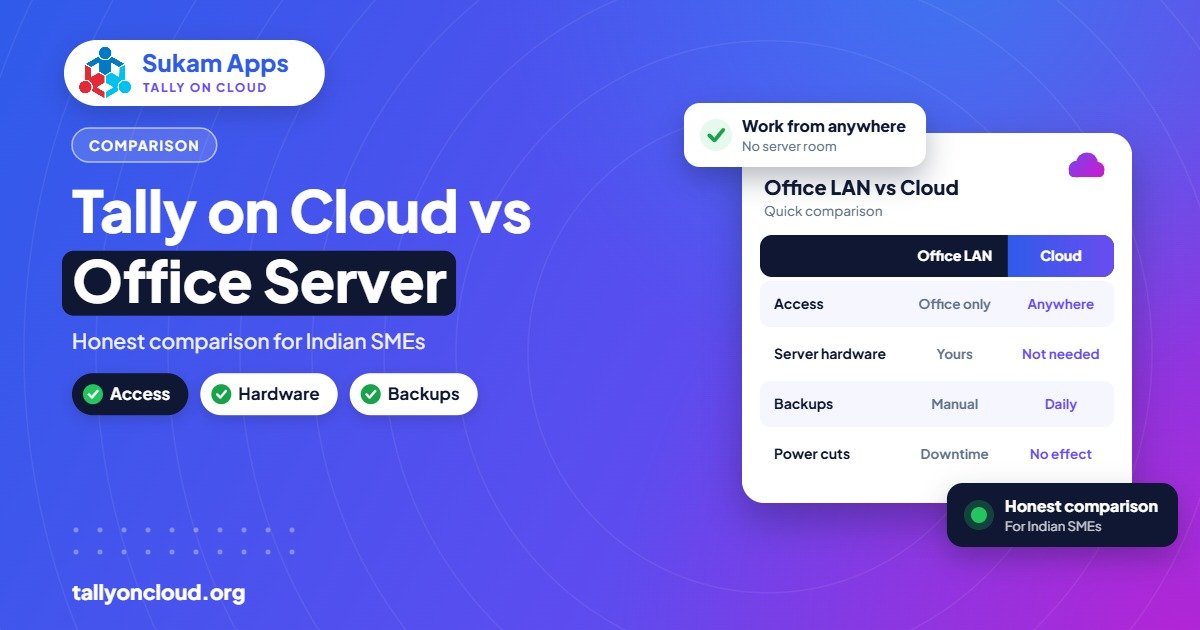
In the Tally cloud vs desktop debate, there is no single winner: cloud is better for businesses with branches, remote staff, frequent power cuts or no IT person; an office server on LAN is fine for a single-location business with steady internal support and few users. Cloud swaps hardware and maintenance worries for a monthly fee and an internet dependency. The right choice comes down to your locations, users and tolerance for downtime.
Here is an honest side-by-side, including where the cloud is not the better option.
How Each Setup Works
Office server / LAN
One computer in your office acts as the Tally data server. Other PCs on the same local network (LAN) connect to it using a TallyPrime Gold licence. Everyone must be in the same building, or connected through a VPN or remote-access tool set up separately.
Tally on Cloud
Your licensed TallyPrime runs on a Windows server in a data centre. Users connect over the internet through RDP, RemoteApp or a browser, from Windows, Mac, Android or iPhone. The provider handles the server, backups, printer mapping and TDL add-ons. Learn more in our complete guide.
Tally Cloud vs Desktop at a Glance
| Factor | Office server / LAN | Tally on Cloud |
|---|---|---|
| Upfront cost | Server/PC, UPS, networking, Windows | Little or none beyond licence |
| Running cost | AMC, repairs, UPS batteries, electricity | Monthly per-user hosting fee |
| Power cuts | Work stops when UPS drains; risk of corruption | Server unaffected; reconnect from any power source |
| Internet outage | Office keeps working on LAN | Need a backup connection or hotspot |
| Branch / home access | Needs VPN, static IP or remote tool | Built in |
| Backups | Depends on someone remembering | Automatic daily backups by provider |
| IT maintenance | You or your local engineer | Provider |
| Speed in office | Very fast on a good LAN | Fast; depends on internet quality |
| Control | Full physical control | Managed by provider under agreement |
Power Cuts and Voltage Problems
Ask any accountant in an industrial area of Ludhiana or Mandi Gobindgarh about power and they will have stories. When the office server loses power mid-save, TallyPrime data can get damaged. Even with a UPS, batteries weaken over time and long cuts drain them.
On cloud, the server sits in a data centre with its own power backup. An office cut only affects your staff’s PCs, and they can reconnect from a laptop on battery and a phone hotspot within minutes. For businesses in areas with frequent cuts, this alone often settles the decision.
The Real Cost of an Office Server
An office server looks “free” after you buy it. It isn’t. Make a list of what you actually spend over three years:
- The server or high-end PC itself
- Windows licence and antivirus renewals
- UPS and replacement batteries
- Switch, cabling and router
- Annual maintenance contract or call-out charges
- External drives for backups
- VPN or remote-access tools for the owner or branch
- Electricity for a machine that runs all day
Then add the hidden cost: the hours lost when the server goes down during GST return week, and the risk of losing data if a backup wasn’t taken.
On the cloud side, most providers charge roughly ₹400–₹700 per user per month for shared plans, and dedicated servers cost more. Your TallyPrime licence (Silver ~₹22,500 or Gold ~₹67,500 perpetual, or rental from ₹750 and ₹2,250 per month) and TSS are needed in both setups. For a detailed breakdown, read Tally on Cloud price in India.
AMC and IT Staff
Most small and mid-sized businesses don’t have a full-time IT person. The office server gets looked after by a local hardware engineer on AMC, or by “the person in accounts who understands computers”. That works until the day the engineer is busy and your billing has stopped.
With cloud, server care shifts to the provider: Windows updates, antivirus, backups, TallyPrime upgrades, TDL loading and printer issues. You still need someone in the office to handle basic PC and internet problems, but the critical machine is no longer your responsibility.
Internet Dependency: The Honest Downside
This is where the office server genuinely wins. If your internet goes down, people on a LAN keep working. On cloud, they can’t reach Tally until they reconnect.
How serious this is depends on your location. Practical ways to reduce the risk:
- Keep two connections. A broadband line plus a 4G/5G router or phone hotspot from a different operator.
- Use an auto-failover router if you have many users, so the switch happens without anyone noticing.
- Remember that remote desktop uses little bandwidth. A normal mobile connection is usually enough for Tally work, because only screen updates travel, not the full data.
- Test from your actual location during a trial before moving fully.
For hilly areas or places where both connections are weak, a local server may still be the safer choice, or a hybrid where the main office stays local.
Branches, Godowns and Work from Home
The LAN model was designed for one building. Once a Panipat textile business adds a second unit, a godown and an export office in Delhi, the LAN setup starts needing VPNs, static IPs and a lot of workarounds. Many businesses end up with separate data files at each location that are merged at month end, which leads to errors and delays.
On cloud, every location connects to the same company. Stock moved out of the godown is visible to the sales office immediately. The owner checks outstanding from home. We explain the setup in how to use multi-user TallyPrime without LAN.
Security: Physical vs Managed
An office server gives you physical control. You can see the box. But physical control also means physical risk: theft, fire, water damage, a staff member copying the data folder. Cloud gives you managed security: encrypted access, individual logins, 2FA, and backups stored separately. Neither is automatically safer; it depends on how well each is run. Read Is Tally on Cloud safe? for the full checklist.
Which One Should You Choose?
Stay with an office server / LAN if:
- You work from a single location with no branches.
- You have one to three users, all in the same office.
- Power is stable and you have a reliable local engineer.
- Internet at your location is weak and there’s no good backup option.
Move to Tally on Cloud if:
- You have branches, godowns, factory and office in different places.
- The owner or staff need access from home or while travelling.
- Power cuts or hardware failures have cost you time or data before.
- You don’t want to manage servers, backups and upgrades yourself.
- Your CA needs regular access without pendrive backups.
Many businesses also start by moving one branch or a few remote users to cloud, then shift fully once they are comfortable.
Frequently Asked Questions
Is Tally on Cloud faster than Tally on LAN?
Inside the office, a good LAN is very fast. Cloud is fast too for normal entry and reports, and it is far better than LAN-over-VPN for remote users. Performance depends on your internet quality and the server size.
What happens to Tally on Cloud when the internet goes down?
Your data stays safe on the server, but you need to reconnect to keep working. A second internet connection or mobile hotspot solves this for most businesses.
Do I need a Gold licence for both setups?
Yes, if more than one person needs to work in Tally at the same time. Silver is single-user in both cases.
Can I move from an office server to cloud without losing data?
Yes. The company data is copied to the cloud server, checked, and your TDLs and printers are set up. Plan it for the start of a month after GST filing.
Is cloud cheaper than buying a server?
For multi-location businesses or those without IT staff, it often is once you count hardware, AMC, UPS and downtime. For a small single-office setup, a local server can still cost less.
Talk to Sukam Apps Before You Decide
Sukam Apps, Jalandhar, has been supporting businesses since 2011. We’ll look at your locations, users and internet and give you an honest recommendation, even if that means staying local. If cloud fits, we set it up with your own licence, daily backups and local printing, with on-site training in Hindi or Punjabi across Punjab, Chandigarh Tricity, Haryana, Delhi NCR and Himachal (Baddi, Solan). WhatsApp +91 99142 49191 for a free demo, or contact us.





