
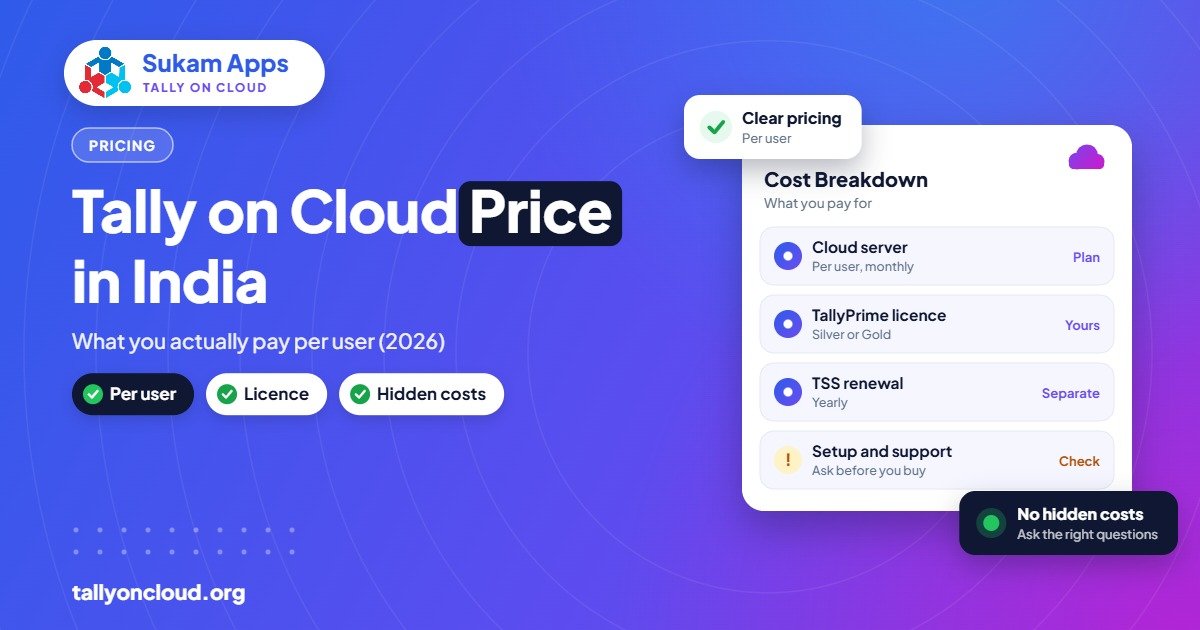
The Tally cloud price in India has two main parts: the hosting fee, which most providers charge at roughly ₹400–₹700 per user per month on shared plans, and your TallyPrime licence, which you either already own or rent. A dedicated server costs more than a shared plan. Add TSS renewal after the first year if you want new features, and you have the full picture.
This post breaks down every rupee so you can compare quotes properly and avoid surprises after you sign up.
The Three Parts of Your Tally Cloud Price
Many owners get a quote that says “₹X per user” and assume that is the whole bill. It usually isn’t. Your total cost is made of three separate pieces.
1. The TallyPrime licence
Tally on Cloud runs your own licensed copy of TallyPrime. If you already have a licence, you reuse it. If not, these are the official list prices (excluding GST):
| Licence | Users | Perpetual (one-time) | Rental |
|---|---|---|---|
| TallyPrime Silver | Single user | ~₹22,500 | From ₹750/month |
| TallyPrime Gold | Multi-user | ~₹67,500 | From ₹2,250/month |
One important point: if more than one person will work in Tally at the same time, you need Gold. Silver allows only one active user, no matter how many people have cloud logins.
2. TSS (Tally Software Services)
The first year of TSS comes with a new licence. After that, you renew it every year if you want new releases (such as TallyPrime 7.0 and the 7.1 features now rolling out), connected services like e-invoicing and e-way bill integration, and TallyDrive backup storage. Your licence does not stop working if TSS lapses, but you stay frozen on the release you have. Ask your Tally partner for the current TSS renewal amount for your edition.
3. The hosting fee
This is what the cloud provider charges to run the server, maintain Windows, take backups, set up printing and support your users. Most providers charge roughly ₹400–₹700 per user per month for shared plans. Annual payment often brings the monthly figure down.
Shared vs Dedicated Server: How the Price Changes
The single biggest factor in your hosting bill is whether you share a server with other businesses or get one of your own.
| Point | Shared plan | Dedicated server |
|---|---|---|
| Pricing | Per user per month | Fixed monthly fee for the whole server |
| Typical fit | 1–10 users, standard Tally use | 10+ users, heavy data, other software alongside Tally |
| Data isolation | Separate user folders and permissions on a common server | Whole server is only yours |
| Performance | Good for normal entry and reports | Better for large companies, big reports, many TDLs |
| Other software | Usually limited to Tally | Can host other business software too |
A small Amritsar rice trader with three users will almost always be fine on a shared plan. A Mandi Gobindgarh steel group with 25 users across rolling mill, sales office and godowns, plus a payroll add-on and large stock data, is a better fit for a dedicated server. Above a certain user count, a dedicated server can actually work out cheaper per user.
A Worked Example: 5 Users for One Year
Let’s take a Ludhiana hosiery manufacturer with five people who need Tally: owner, two accountants, a dispatch clerk and the CA. They already own a TallyPrime Gold licence.
- Licence: already owned, so ₹0 extra.
- TSS renewal: one annual renewal for Gold (ask your partner for the current figure).
- Hosting: 5 users × roughly ₹400–₹700 × 12 months = about ₹24,000–₹42,000 a year, plus GST.
If the same business did not own a licence, they would either pay around ₹67,500 for Gold once, or rent it from ₹2,250 a month. Renting spreads the cost; buying works out cheaper if you plan to use Tally for several years.
Now compare with keeping Tally on an office server. We do that comparison below.
Hidden Costs to Ask About Before You Sign
Low headline prices sometimes hide charges that appear later. Ask every provider these questions in writing:
- Is the setup or migration fee extra? Moving your data, testing it and configuring printers takes time. Some charge for it separately.
- How much storage is included? Companies with many years of data, scanned documents or large stock items can cross the limit.
- Are backups included, and how many days are kept? One backup that gets overwritten every night is not the same as a week or a month of restore points.
- Is TDL loading and testing included? Custom invoice formats and add-ons need to be placed and checked on the server.
- Is the TallyPrime upgrade included? When a new release comes, someone has to update the server copy safely.
- What are the support hours? Support only from 10 to 6 is a problem if your billing runs till 9 pm during the festive season.
- Is there a lock-in or exit fee? You should be able to take your full data and leave whenever you want.
Tally on Cloud vs Buying an Office Server: The ROI
The fair comparison is not “₹500 per user vs nothing”. If you run Tally for several users in your office today, you are already paying for infrastructure, just not as a monthly bill. Here is what a typical small-office setup involves:
- A server or powerful desktop to host the data
- A Windows licence and antivirus renewals
- A UPS and its batteries, which need replacing every few years
- Networking: switch, cabling, router
- An AMC or a local hardware engineer’s visits
- A backup drive and someone remembering to use it
- Remote access tools if the owner wants to check from home
Then there are the costs that never appear on an invoice: a day lost when the server’s hard disk fails during GST filing week, or the cost of re-entering data after a virus attack.
For a business with branches or remote staff, cloud usually comes out ahead because you don’t need a VPN, a static IP or a second server at the branch. For a single-room office with two users and good local support, a local install can still be cheaper. Our detailed Tally on Cloud vs local server comparison walks through both sides honestly.
What About Tally’s Own Cloud Access?
Tally Solutions offers TallyPrime Cloud Access starting from ₹600 per user per month (excluding GST). It is an official option and worth considering. The main differences from a provider-hosted setup are around add-ons, other software on the same server, and the kind of local support you get. We compare them point by point in TallyPrime Cloud Access vs hosted Tally on Cloud.
How to Get the Right Price for Your Business
Before you ask for quotes, prepare these details. You will get more accurate prices and can compare providers like-for-like:
- Number of users who need access, and how many will work at the same time.
- Licence status: Silver or Gold, owned or rented, and whether TSS is active.
- Data size: number of companies and years of data.
- Add-ons: list of TDLs, custom formats, and any other software that must run alongside.
- Printers: models at each location, especially dot-matrix or thermal billing printers.
- Locations: where your users sit, and whether you need on-site training.
If you are new to the concept, start with our complete guide to Tally on Cloud.
Sukam Apps Tally Cloud Plans: Single-User and Multi-User Price
If you want a real number rather than a market range, here are the current Tally on Cloud plans from Sukam Apps, exactly as listed on our pricing page. All prices exclude GST, and implementation charges are included in every plan.
| Users included | Quarterly price | Yearly price |
|---|---|---|
| Up to 2 users | ₹4,500 | ₹15,600 |
| Up to 3 users | ₹5,850 | ₹18,000 |
| Up to 5 users | ₹7,500 | ₹25,000 |
Additional users are charged at ₹4,000 per user per year.
Tally cloud single user price
There is no separate single-user plan. The smallest plan covers up to 2 users, so a business with one Tally user pays the same ₹15,600 per year (or ₹4,500 per quarter) and keeps a spare login for an accountant, CA or second branch. In practice most single-user businesses add that second user within a few months.
Tally cloud multi user price
Per-user cost falls as you add people. On the yearly plans it works out to about ₹650 per user per month for 2 users, ₹500 for 3 users and roughly ₹417 for 5 users. Beyond 5 users, each extra user is ₹4,000 a year. For large teams or heavy data, a dedicated Tally cloud server can work out better; ask us for a quote.
What the Tally cloud charges cover (and what they don’t)
- Included: cloud server hosting, setup and implementation, user logins, and ongoing support from the Sukam Apps team.
- Not included: GST, your TallyPrime licence and TSS renewal, which you buy or rent separately (see the licence section above).
Comparing quotes from different companies? Use our checklist for choosing Tally cloud service providers, and see why building your own server on Tally on AWS is rarely cheaper for small teams.
Frequently Asked Questions
What is the Tally cloud single user price?
Sukam Apps does not sell a separate single-user plan. The smallest plan covers up to 2 users at ₹15,600 per year or ₹4,500 per quarter, plus GST.
What are the Tally cloud multi user charges?
Sukam Apps plans cost ₹18,000 a year for up to 3 users and ₹25,000 a year for up to 5 users (plus GST). Additional users are ₹4,000 per user per year.
What is the monthly Tally cloud price per user in India?
Most providers charge roughly ₹400–₹700 per user per month for shared hosting. Dedicated servers are priced per server and cost more. The TallyPrime licence and TSS are separate.
Is the Tally licence included in the hosting price?
Usually not. Hosting is the server and service. You either bring your own TallyPrime licence or buy or rent one separately.
Can I rent TallyPrime instead of buying it?
Yes. TallyPrime rental starts from ₹750 per month for Silver and ₹2,250 per month for Gold (excluding GST). This works well with cloud hosting if you prefer a fully monthly cost.
Do I need to renew TSS to use Tally on Cloud?
Not to keep working. Your licence continues on the release you have. But without active TSS you won’t get new releases, connected services or TallyDrive backup storage.
Is Tally on Cloud cheaper than buying a server?
For businesses with branches, remote users or no in-house IT person, it often is, once you count hardware, UPS, AMC, backups and downtime. For one or two users in a single office, a local install can be cheaper.
Get an Exact Quote from Sukam Apps
At Sukam Apps, Jalandhar, we price Tally on Cloud by your actual user count and needs, with daily backups, local printing and your own licence included in the setup. We visit and train your team in Hindi or Punjabi across Punjab, Chandigarh Tricity, Haryana, Delhi NCR and Himachal (Baddi, Solan), and serve the rest of India remotely with a dedicated account manager. WhatsApp us on +91 99142 49191 for a quote for your user count and a free demo.





