
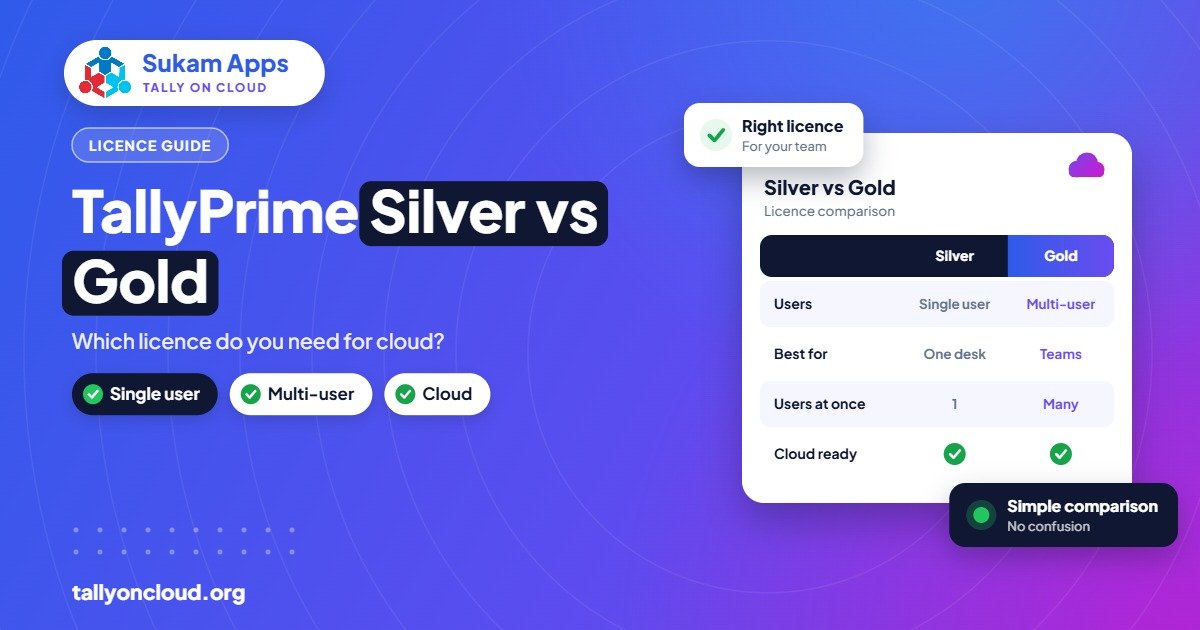
The difference between Tally Silver vs Gold comes down to users. TallyPrime Silver is a single-user licence (about ₹22,500 perpetual or rental from ₹750 per month, excluding GST), while TallyPrime Gold is multi-user (about ₹67,500 perpetual or rental from ₹2,250 per month). On Tally on Cloud, Silver lets one person work at a time; if two or more people need to use Tally together, you need Gold.
Below we compare the two properly, explain what changes when Tally moves to the cloud, and give simple rules for choosing without overspending.
Tally Silver vs Gold: Side-by-Side
| TallyPrime Silver | TallyPrime Gold | |
|---|---|---|
| Users at the same time | One | Multiple |
| Perpetual price (approx., excl. GST) | ₹22,500 | ₹67,500 |
| Rental option (excl. GST) | From ₹750/month | From ₹2,250/month |
| Accounting, inventory, GST features | Same core features | Same core features |
| Typical fit | Proprietor or one accountant | Billing plus accounts plus branches |
| On Tally on Cloud | One person logged in to Tally at a time | Several staff working together from anywhere |
Prices are Tally’s official list prices as we understand them and can change; confirm the current figure with an authorised partner before buying. New features after the first year require TSS renewal on either licence. We explain that in our Tally TSS renewal guide.
What Is Actually the Same
A common misunderstanding is that Gold has “more features”. For everyday accounting, both licences give you the same TallyPrime: vouchers, GST returns, inventory, payroll, reports, and the newer features such as TallyDrive backups, PrimeBanking and SmartFind from TallyPrime 7.0 (with active TSS). The difference is how many people can use it at once.
So the question is never “do I need the better version?” It is “how many people need to be inside Tally at the same moment?”
When Silver Is Enough
- One person does everything. A small Jalandhar sports goods trader whose son handles billing and accounts on one system.
- Work happens in turns. The accountant enters data in the morning; the owner checks reports in the evening. Never both at once.
- A CA or consultant uses it for their own small practice with one data operator.
Silver on cloud still gives you access from any device and location. The proprietor can open Tally from his phone at home, as long as nobody else is using it at that moment. See how to use TallyPrime on your mobile phone.
When You Need Gold
- Billing and accounts run in parallel. A Ludhiana hosiery wholesaler with one person raising invoices at the counter while another posts payments.
- Branches or godowns. An Amritsar rice trader with a mandi office and a godown entering data on the same books.
- Owner checks reports live. If the owner wants to see outstanding during the day while staff are working, that is a second user.
- Plant and head office. A Baddi pharma unit whose plant stores team and Chandigarh head office both use Tally.
- CA firms with several article assistants working on different client companies at the same time.
A useful test: count the number of people who will realistically have Tally open between 11 am and 1 pm on your busiest day. If that number is more than one, Silver will frustrate you.
What Changes on Tally on Cloud
Moving Tally to the cloud does not change your licence type, but it does change how the licence feels in daily use.
Silver on cloud
Your TallyPrime runs on a cloud server. One user logs in through RDP, RemoteApp or a browser, from a Windows PC, Mac, Android phone or iPhone. If a second person tries to use Tally at the same time, they will be blocked by the licence. Silver on cloud suits a single user who wants freedom of location and safe backups.
Gold on cloud
Several users log in to the same server and work on the same data at the same time, without any office LAN. Your Ludhiana office, your Mandi Gobindgarh godown and your salesman’s laptop all see the same live books. This is where cloud really shines, because setting up multi-user Tally across locations on a local network is difficult. We cover the details in how to use multi-user TallyPrime without LAN.
Hosting is a separate cost
Remember there are two costs on cloud: the Tally licence (Silver or Gold) and the hosting. Most providers charge roughly ₹400 to ₹700 per user per month for shared hosted plans, with dedicated servers costing more. Tally’s own TallyPrime Cloud Access is listed from ₹600 per user per month. For a full breakdown, read our Tally on Cloud price guide.
Perpetual or Rental?
| Factor | Perpetual | Rental |
|---|---|---|
| Upfront cost | Higher, one-time | Low, monthly |
| Updates after year 1 | Need TSS renewal | Check what the rental plan includes |
| Good for | Stable businesses planning to use Tally for years | New businesses, seasonal units, or testing before committing |
As a rough guide, if you are confident you will use Tally for many years, perpetual usually works out cheaper over time. If cash flow matters more right now, rental lets you start small. Work out the numbers for your own situation, including TSS, before deciding.
Upgrading From Silver to Gold Later
Many businesses start on Silver and grow into Gold when they hire a second accounts person. Tally allows upgrading the licence, generally by paying the difference through an authorised partner. Your data stays the same; only the licence changes.
On Tally on Cloud, the upgrade is even simpler. Once your licence is upgraded, your provider creates logins for the new users on the server and they can start working the same day. No new computers or network cabling.
Quick Decision Guide
- One user, ever? Silver.
- Two or more people at the same time, even occasionally? Gold.
- Branches, godowns or plants entering data? Gold on cloud.
- Not sure yet? Start with Silver rental, track how often staff clash, and upgrade when needed.
- Using Tally on Cloud with two or more staff? Gold, plus hosting for each user.
Mistakes to Avoid
- Buying Gold “just in case” when only one person ever uses Tally.
- Buying Silver for a team and then making staff wait for each other all day.
- Sharing one login among several people. Besides licence issues, it ruins your audit trail. See our post on TallyPrime Edit Log.
- Forgetting TSS when comparing perpetual and rental costs.
Frequently Asked Questions
What is the main difference between Tally Silver and Gold?
Silver is single-user; Gold is multi-user. The core accounting, inventory and GST features are the same in both.
Can I use Tally Silver on cloud?
Yes. Silver works on Tally on Cloud, but only one person can use Tally at a time. It still gives you access from any device and daily backups on the server.
How much does Tally Gold cost?
Tally’s list price for TallyPrime Gold is about ₹67,500 perpetual, or rental from ₹2,250 per month, excluding GST. Confirm current pricing with an authorised partner.
Can I upgrade from Silver to Gold later?
Yes. You can upgrade the licence through an authorised partner, usually by paying the difference. Your data does not change.
Do I need Gold for multi-user Tally on cloud?
Yes. If two or more people need to work in Tally at the same time on cloud, you need a Gold licence plus hosting for each user.
Not sure which licence fits your team? Sukam Apps, Jalandhar, has helped businesses since 2011. We look at how your staff actually work, suggest Silver or Gold honestly, and host your own Tally licence on cloud with daily backups and local printing. On-site setup and training in Hindi or Punjabi across Punjab, Chandigarh, Haryana, Himachal and Delhi NCR, remote setup across India, and a dedicated support person for every client. WhatsApp +91 99142 49191 for a free demo and a quote for your user count, or visit our contact page.





