
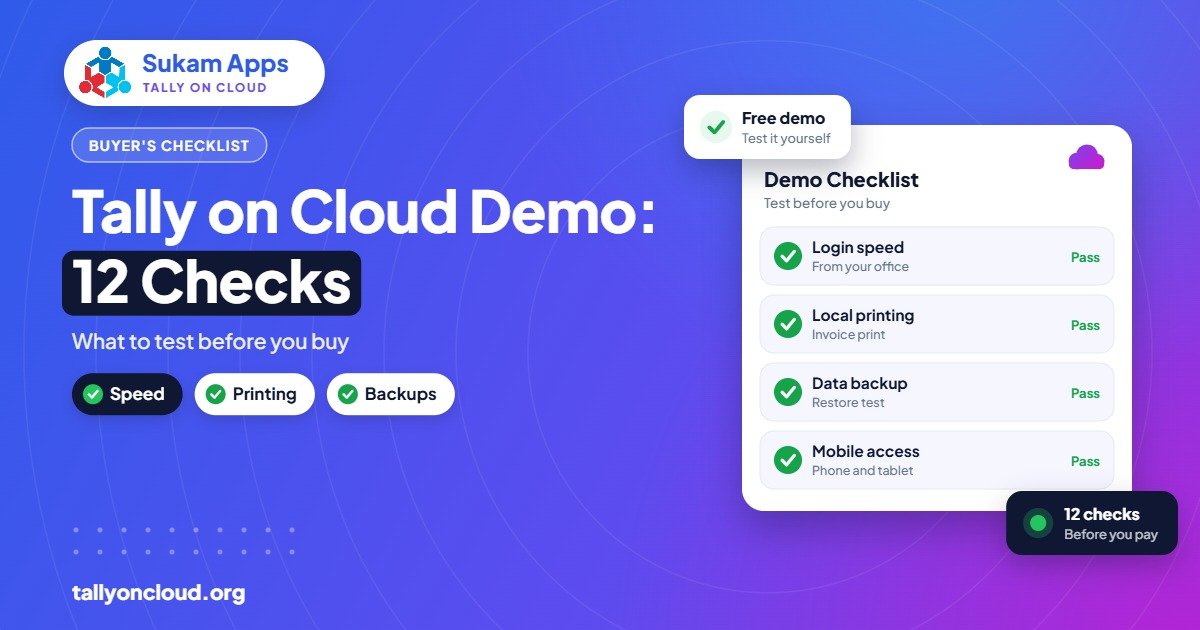
A Tally on Cloud demo is only useful if you test it the way you will actually work. Use your own data, your own printer, your busiest report and your real internet line, and test from every place you will connect from: office, godown, home and phone. Then test the provider’s support and backups, not just the software. The 12-point checklist below covers everything worth checking before you pay.
Most businesses log in once, open a sample company, see that Tally runs, and sign up. Problems show up a month later during GST filing or a festival rush. A focused hour or two during the free demo prevents that.
Before the Demo: Prepare These
- A recent backup of your actual company data (or a copy of one year).
- A list of TDL add-ons you use, with their files or the developer’s contact.
- Your printer models: laser, dot-matrix, thermal, label.
- Names of every user who will need access, and from where.
- Your Tally licence details (Silver or Gold, serial number).
The 12-Point Tally on Cloud Demo Checklist
1. Load your own company data
A sample company with 50 vouchers will be fast on any server. Ask the provider to restore your real data so you see actual performance. Your data stays yours; ask how the demo copy will be deleted if you do not proceed.
2. Type for ten minutes without stopping
Enter a few sales invoices, a purchase, a receipt and a journal at your normal speed. Does the screen keep up with your fingers? Any delay you feel now will feel worse after a full day.
3. Open your heaviest reports
Every business has one report that takes the longest: stock summary with godowns, outstanding with bill-wise details, a GST return report, or a ledger with thousands of entries. Open it during the demo and note the time. Compare it with your current PC.
4. Test at your busiest hour
Shared servers can be quiet at 11 am and busy at 6 pm. Log in at the time your staff does the most work, ideally in the evening, and repeat test 2 and test 3.
5. Print on every printer you use
A4 invoices on a laser printer, challans on a dot-matrix, receipts on a thermal roll, labels on a barcode printer. Check alignment, logo, page breaks and speed. Read our guides on Tally cloud printing and barcode and thermal printers to know what to look for.
6. Check your TDL add-ons
If you use custom invoice formats, SMS or WhatsApp add-ons, or special reports, ask the provider to load them and test each one. Some TDLs connect to outside services and may need extra settings. See how TDLs work on Tally on Cloud.
7. Log in from every location and device
Test from the office, a branch or godown, home, a Mac if anyone uses one, and an Android or iPhone. A Mandi Gobindgarh steel trader whose owner checks outstanding from home every night should test exactly that, on the home Wi-Fi.
8. Test multiple users together
If you have a Gold licence, get two or three people to log in at the same time and enter vouchers in the same company. Check that each user sees the others’ entries and that there are no licence errors.
9. Ask to see a backup and a restore
Ask: how often are backups taken, how many days are kept, and where are they stored? Then ask them to restore yesterday’s data into a test company in front of you. A provider confident in its backups will not mind. Also check whether TallyPrime 7.0’s TallyDrive backup will be set up as an extra layer.
10. Check user rights and security
- Does each staff member get a separate login?
- Can you stop a user from copying files to their own PC?
- Is two-factor authentication available?
- Are Tally security controls and Edit Log set up correctly?
Our article is Tally on Cloud safe? lists more questions.
11. Test support, not just the software
During the demo, send a question on WhatsApp in the evening and call once in the morning. Note how fast someone answers, whether they understand Tally (not just servers), and whether you speak to the same person each time. Ask: “If Tally stops working on a GST due date, who exactly do I call?”
12. Get the full cost in writing
Ask for a written quote for your exact user count, including anything that may be charged separately: setup, data migration, extra storage, dedicated server, TDL loading, printer setup, on-site visits. Remember that your Tally licence and TSS are separate from hosting. Our Tally on Cloud price guide explains the components.
Demo Scorecard
Print this table and fill it in during the demo. If you are comparing providers, use one column per provider.
| Test | What “good” looks like | Result |
|---|---|---|
| Own data loaded | Real company, real size | Yes / No |
| Typing speed | No noticeable lag | Good / OK / Poor |
| Heaviest report | Similar to or faster than current PC | ___ seconds |
| Peak hour | Same feel as morning | Good / OK / Poor |
| All printers | Correct alignment and speed | Yes / No |
| TDL add-ons | All working | Yes / No |
| All locations and devices | Office, home, branch, phone | Yes / No |
| Multi-user | Simultaneous entry works | Yes / No |
| Backup and restore | Shown live; clear retention | Yes / No |
| Security | Separate logins, controls | Yes / No |
| Support response | Quick, knows Tally, named person | Good / OK / Poor |
| Written quote | All charges listed | Yes / No |
Red Flags During a Demo
- The provider only shows a sample company and avoids loading your data.
- No clear answer on where backups are kept or how long.
- Price changes when you ask what is included.
- Support is a ticket form with no phone or WhatsApp number.
- Pressure to sign up before the demo period ends.
- They suggest using an unlicensed Tally. Always use your own genuine licence.
After the Demo: Making the Switch
- Pick a quiet period, not the week of a GST return or the year-end.
- Take a final backup from your current system.
- Let the provider restore it and verify closing balances and stock.
- Train staff on logging in, printing and what to do if the internet goes down.
- Keep your old system read-only for a few weeks as a fallback.
Already on cloud with another provider? Read how to switch your Tally cloud provider without losing data.
Still shortlisting? See how to choose a Tally cloud service provider before you book demos.
Frequently Asked Questions
How do I book a Tally cloud demo with Sukam Apps?
Use the Book a Demo page or call/WhatsApp 99142 49191. We set up a trial login so you can test your own workflow, printing and speed before paying. You can also start with a free trial.
Is a Tally on Cloud demo really free?
Many providers, including Sukam Apps, offer a free demo so you can test before paying. Confirm the demo period and what happens to your data afterwards.
Should I give my real data for a demo?
Testing with real data is the only way to judge real performance. Share a backup with a provider you trust, and ask how the demo copy will be deleted if you do not continue.
Do I need to buy a new Tally licence for the cloud?
Usually not. Your existing genuine TallyPrime licence can be used on the cloud server. Multi-user access needs a Gold licence.
How long should a demo last?
Long enough to test at your busiest hour and from every location, ideally a few working days including at least one busy evening.
What is the most important thing to test?
Typing speed and your heaviest report on your own data, at your busiest hour, from your real internet line. If those feel right, most other things can be fixed.
Ready to try it properly? Sukam Apps (Jalandhar, since 2011) offers a free Tally on Cloud demo on your own data. In Punjab, Chandigarh Tricity, Haryana, Delhi NCR and Himachal (Baddi, Solan) we can come on-site to test your printers and train staff in Hindi or Punjabi; elsewhere in India we set up remotely with a dedicated account manager. WhatsApp +91 99142 49191 to book your demo, or contact us.





