
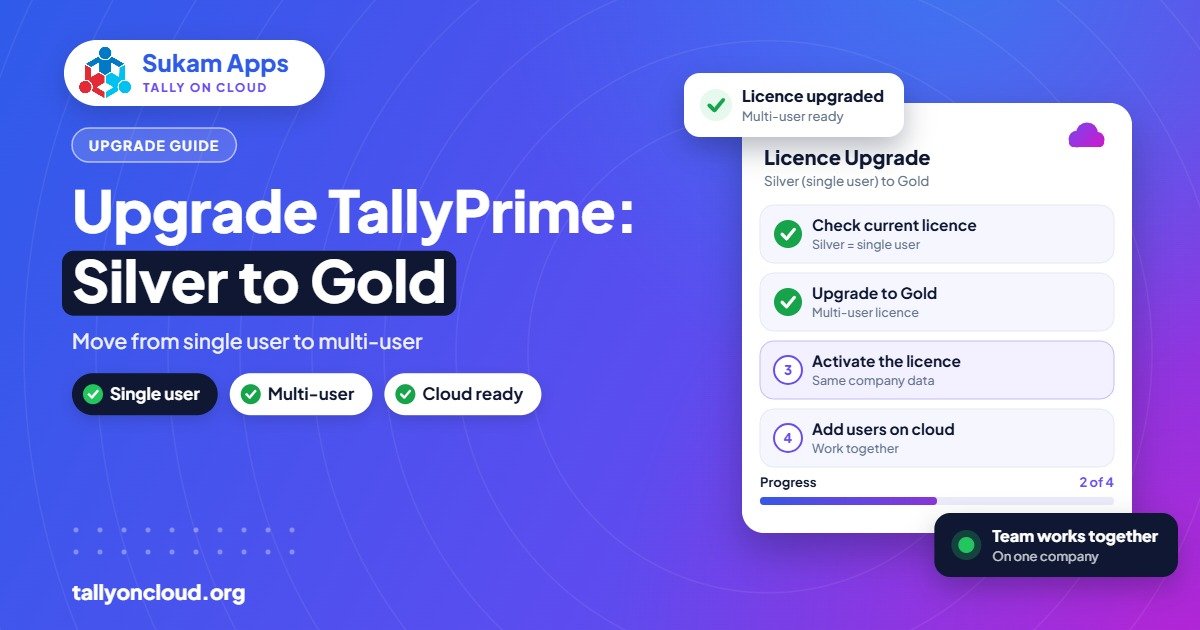
A Tally Silver to Gold upgrade converts your single-user TallyPrime licence into a multi-user one, so several people can work in the same company data at the same time. You do it through an authorised Tally partner: you pay the applicable upgrade amount, the licence is converted, and your company data stays exactly as it is. You need Gold when two or more people must enter or view data at the same time, on a LAN or on a cloud server.
This guide explains when the upgrade makes sense, how the process usually works, what to check before and after, and how it changes things if you run Tally on Cloud. We have not quoted an upgrade price, because it depends on your licence type and current offers; your partner will give you the exact figure.
Silver vs Gold in one minute
| TallyPrime Silver | TallyPrime Gold | |
|---|---|---|
| Users at one time | One | Multiple, on a LAN or a server |
| Official perpetual price (excl. GST) | About ₹22,500 | About ₹67,500 |
| Rental option | From ₹750/month | From ₹2,250/month |
| Typical fit | Owner-run shop, one accountant | Billing plus accounts plus owner, branches, CA access |
| Features | Full accounting, inventory, GST and banking | Same features; the difference is concurrent users |
For the full side-by-side, read our TallyPrime Silver vs Gold comparison.
Signs you have outgrown Silver
- People are queuing for the Tally PC. The billing clerk waits while the accountant finishes bank entries.
- You are copying data between computers. Someone carries a pen drive from the shop counter to the office, or emails a backup every night.
- You have opened a second location. A Jalandhar sports goods maker with a factory on the city outskirts and a showroom in town, or a Ludhiana trader with a godown on the bypass, needs both places entering data.
- Your CA needs live access during audit or GST filing, while your own team keeps working.
- The owner wants to check reports from home without asking staff to log out.
If two or more of these are true, Gold usually pays for itself in saved time and fewer data mistakes.
How the upgrade works
The steps below describe the usual process. Exact steps can change, so your Tally partner will guide you, and for licence screens inside the software check TallyPrime help for the exact option.
- Find your licence details. Note your serial number and whether your licence is perpetual or rental, and whether TSS is active.
- Contact an authorised Tally partner. Ask for the Silver-to-Gold upgrade amount for your licence. For rental licences, ask how the switch to a Gold rental works.
- Take a full backup of all companies before anything changes. Our backup and restore guide covers this.
- Pay and get the licence converted. The partner processes the upgrade with Tally.
- Update the licence in TallyPrime. The software needs to pick up the new licence details. Check TallyPrime help for the exact option.
- Configure multi-user access. Set up the data location so all users reach the same company, either on an office server or on a cloud server.
- Create user accounts and rights. Give each person their own login with the right permissions instead of sharing one password.
- Test with two users at once before telling the whole team to switch.
What happens to your data?
Nothing. The upgrade changes the licence, not the company data. Your ledgers, vouchers, stock and GST records remain as they are. That said, always back up first: the upgrade is often the same day you also move data to a server or update TallyPrime, and those steps deserve a safety net.
If you are also upgrading from an older release at the same time, remember that new releases after the first year need an active TSS. Our TSS renewal guide explains why.
Set up user rights properly
Moving to Gold is the right moment to stop sharing one login. Plan roles such as:
- Billing staff: sales vouchers and receipts only, no deletion, no masters.
- Accountant: full voucher entry, bank reconciliation, GST reports.
- Owner: everything, plus reports and approvals.
- CA or auditor: view and reports, limited or no entry.
Combined with the Edit Log (audit trail), which companies need from 1 April 2023, separate logins also show who changed what. That matters when you investigate a wrong entry six months later.
A quick checklist for upgrade day
- Full backup of every company, copied to a second location.
- List of users who need access, with the role each one will have.
- TDL add-ons noted down, so they can be reloaded and tested after the change.
- Printer and invoice formats checked on at least one sales voucher.
- A short training session so staff know how to log in and what to do if two people open the same voucher.
Plan the switch on a quiet day, not on the last date of a GST return or the day before a big dispatch.
Gold on a LAN vs Gold on the cloud
Once you have Gold, you need somewhere for the shared data to live. There are two common routes:
| Option | How it works | Good for | Watch out for |
|---|---|---|---|
| Office LAN | One office PC or server holds data; others connect over the local network | Everyone sits in one office | Server PC must stay on; remote users and branches are hard; backups depend on you |
| Tally on Cloud | Your Gold licence runs on a remote Windows server; users connect via RDP, RemoteApp or browser | Branches, remote staff, owner travelling, CA access | Needs a stable internet connection at each location |
With Tally on Cloud, multi-user access works without any LAN at all. A shop counter in Phagwara, a godown in Kartarpur and an accountant working from home in Jalandhar all log into the same server. Our guide to multi-user Tally without LAN explains how.
Is there an alternative to upgrading?
Two alternatives come up:
- Tally’s own TallyPrime Cloud Access, from about ₹600 per user per month, which Tally offers as its own service. It is a legitimate option; compare it against hosted Tally on Cloud for your needs.
- Gold rental, from about ₹2,250 per month, if you would rather not pay the perpetual amount upfront. This suits businesses that want to try multi-user for a season, such as a hosiery unit that peaks in winter.
Staying on Silver and taking turns on one PC is technically possible, but in our experience it leads to pen drive copies, duplicate entries and data that nobody trusts.
Frequently Asked Questions
Will I lose data when upgrading from Silver to Gold?
No. The upgrade changes the licence only. Your companies and vouchers remain the same. Take a full backup anyway, because the upgrade day often includes other changes.
How much does the Silver to Gold upgrade cost?
It depends on your licence type and current Tally offers, so ask an authorised Tally partner for the exact amount. Official list prices are about ₹22,500 for Silver and ₹67,500 for Gold, excluding GST.
Do I need Gold for Tally on Cloud?
If more than one person needs to work at the same time, yes, you need a multi-user licence or an equivalent arrangement. A single user on a cloud server can work with Silver.
Can I upgrade a rental Silver licence to Gold?
Rental licences can be changed, but the process differs from perpetual licences. Your Tally partner will explain the current options.
Do I need TSS to upgrade?
The upgrade itself is about the licence edition. To get new TallyPrime releases after the first year, you need an active TSS. Check your TSS status before planning a version update along with the upgrade.
Ready to move your team to multi-user? Sukam Apps has helped businesses run Tally since 2011. We can guide your Gold upgrade, move your data to a secure cloud server with daily backups, set up user rights and train staff in Hindi or Punjabi, on-site across Punjab, Haryana, Himachal, Chandigarh Tricity and Delhi NCR, or remotely anywhere in India with a dedicated account manager. WhatsApp +91 99142 49191 for a quote for your user count and a free demo, or visit our home page.





