
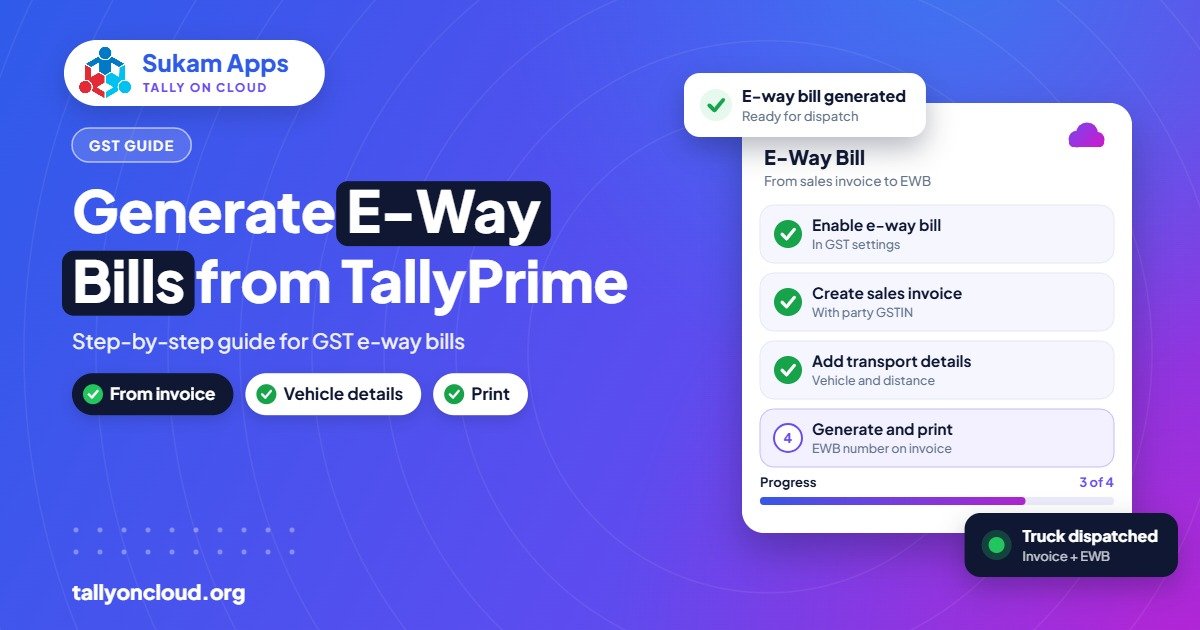
You can generate a Tally e-way bill straight from the sales invoice in TallyPrime: enter the dispatch and transport details on the voucher, let TallyPrime send them to the e-way bill system, and print the e-way bill number with the invoice. An e-way bill is generally needed when goods worth more than ₹50,000 per consignment are moved, with some state-specific rules for movement within a state. The data has two parts: Part A for the invoice and goods, and Part B for the vehicle.
Below is a practical, step-by-step walkthrough for TallyPrime users, written from what our support team handles for traders and manufacturers across Punjab, Haryana and Himachal every week.
When you need an e-way bill
The general rule: an e-way bill is required for the movement of goods where the consignment value is above ₹50,000. Some states apply their own rules for intra-state movement, so a Ludhiana unit sending goods within Punjab and a Panipat unit sending within Haryana should each confirm their state’s position with their CA.
Typical situations where our clients generate e-way bills:
- A Mandi Gobindgarh steel trader dispatching a truck of TMT bars to Himachal.
- A Baddi pharma unit sending stock to a distributor in Delhi NCR.
- A Jalandhar sports goods maker moving finished goods to a port for export.
- A Ludhiana hosiery unit sending fabric to a dyer on job work.
The last example matters: e-way bills are not only for sales. Movements for job work, branch transfers and similar reasons can also need one. Your CA will tell you which of your movements are covered.
Part A and Part B, in plain words
| Part | What it holds | Who usually fills it |
|---|---|---|
| Part A | Supplier and recipient GSTIN, place of dispatch and delivery, invoice number and date, item HSN, value, tax amounts, reason for transport, transporter details and approximate distance | The billing team, from the invoice |
| Part B | Vehicle number (for road transport), or transport document number for rail, air or ship | Billing team, or the transporter if the vehicle is decided later |
An e-way bill is complete for movement only when Part B is filled. A common pattern is to fill Part A at billing and add Part B once the transporter tells you the truck number.
Before you start: setup in TallyPrime
Exact menu names can change between releases, so check TallyPrime help for the exact option. The setup sequence is:
- E-way bill portal credentials. Make sure your GSTIN is registered on the e-way bill system and you have the API/user credentials needed for software integration.
- Enable e-way bill in the company’s GST details in TallyPrime, with the applicable-from date and threshold.
- Party masters: correct GSTIN, state, pincode and address for every customer. Pincode errors cause most rejections.
- Stock items: HSN code and unit of measure on every item.
- Transporter masters: add your regular transporters with their transporter ID.
- Invoice print: confirm the format shows the e-way bill number and date.
If you are also above the e-invoicing limit, set that up together. Our e-invoicing guide covers IRN generation; the two often go out together from the same voucher.
Generating an e-way bill from TallyPrime: step by step
- Create the sales invoice as usual, with party, items, quantities, rates and taxes.
- Fill the e-way bill details when TallyPrime prompts for them: dispatch-from and ship-to addresses if they differ from the billing addresses, transport mode, distance, transporter and vehicle number if you have it.
- Save the invoice. Depending on your settings, TallyPrime will offer to generate the e-way bill online now, or you can do it later from the relevant e-way bill report.
- Generate online. TallyPrime sends the data, and on success stores the e-way bill number, date and validity details against the voucher.
- Print the invoice with the e-way bill number, or print the e-way bill itself, and hand it to the driver.
- Update Part B later if needed. If the vehicle was not known at billing, update the vehicle number from TallyPrime before the goods move.
For businesses that bill many invoices in the afternoon and dispatch in the evening, generating e-way bills in a batch from the pending report is often quicker than doing them one by one.
Updating the vehicle and handling transhipment
Trucks break down and loads get shifted, especially on hill routes into Himachal. When goods move to a different vehicle, Part B must be updated with the new vehicle number before the goods continue. TallyPrime supports updating vehicle details for an existing e-way bill; check TallyPrime help for the exact option in your release.
Validity of an e-way bill depends on the distance, and there are rules for extending it. Check the current rules on the e-way bill portal or with your CA rather than relying on a fixed number you remember from years ago.
Consolidated e-way bills
When one vehicle carries several consignments, each with its own e-way bill, a transporter can create a consolidated e-way bill that lists them together for that trip. This is common for:
- FMCG distributors loading one vehicle for a whole beat of retailers.
- Transport companies in Ludhiana or Amritsar carrying part loads from several senders.
- Manufacturers sending one truck to several dealers on the same route.
Each individual e-way bill must still exist; the consolidated one simply groups them for the trip. Our post on Tally for FMCG distributors covers beat-wise dispatch in more detail.
Cancelling an e-way bill
If an invoice is cancelled or the goods do not move, the e-way bill should be cancelled too. The portal allows cancellation only within a limited window and only if the e-way bill has not been verified in transit. Cancel promptly, from TallyPrime or the portal, and then alter or cancel the voucher so your books match.
Common e-way bill errors in TallyPrime
Pincode and distance mismatch
The system checks the distance you enter against the pincodes. If you enter 50 km between Jalandhar and Delhi, it will reject it. Correct the distance, and correct the pincode in the party or dispatch address if that is the real problem.
Invalid GSTIN
The recipient’s GSTIN is wrong, cancelled or not active. Verify it on the GST portal and fix the party master.
Invalid vehicle number format
Spaces, dashes or a missing digit in the vehicle number. Enter it in the plain format the portal expects, for example PB08AB1234.
HSN missing
An item has no HSN code. Add it in the stock item or GST classification and regenerate.
Duplicate e-way bill
An e-way bill already exists for that document. This often happens after a network timeout and a retry. Check whether the first attempt actually succeeded before trying again.
Credential or session errors
Expired or wrong e-way bill credentials stored in TallyPrime. Re-check them against the portal.
E-way bills on Tally on Cloud
On a hosted Tally on Cloud setup, TallyPrime runs on a remote server with a stable internet line, and that server talks to the e-way bill system. Your dispatch desk only needs enough connection to see the remote screen, which helps at factories on the outskirts of Ludhiana or Baddi where office internet is patchy. The invoice and e-way bill still print on the local printer through printer redirection.
Cloud also helps when dispatch happens at a godown and billing happens at the head office. Both teams log into the same company, so the godown can add the vehicle number to the e-way bill the moment the truck arrives. See our multi-branch guide for how that is usually arranged.
Frequently Asked Questions
What is the value limit for an e-way bill?
Generally, an e-way bill is needed when the consignment value is above ₹50,000. Some states have their own rules for movement within the state, so confirm with your CA.
Can I generate an e-way bill without a vehicle number?
You can fill Part A without the vehicle number, but the e-way bill is complete for movement only once Part B (vehicle or transport document) is filled. Update it from TallyPrime before the goods leave.
What is a consolidated e-way bill?
It groups several individual e-way bills travelling in one vehicle into a single document for that trip. Each consignment still needs its own e-way bill.
Why does TallyPrime reject my distance?
The system compares your distance with the pincodes of dispatch and delivery. Enter a realistic road distance and check the pincodes in your party and dispatch addresses.
Can I generate e-way bills on Tally on Cloud?
Yes. It is the same licensed TallyPrime on a remote server, so e-way bill generation works normally, and printing happens on your local printer.
Want e-way bills and e-invoices set up properly the first time? Sukam Apps has supported Tally users since 2011. We configure TallyPrime, clean up party and item masters, and train dispatch and billing staff in Hindi or Punjabi, on-site across Punjab, Haryana, Himachal, Chandigarh Tricity and Delhi NCR, or remotely anywhere in India with a dedicated account manager. WhatsApp +91 99142 49191 for a free demo, or contact us.





